How to install an Auracast TV Adapter?
Your Next TV May Already Have Auracast
Before buying an adapter, check your TV!
We’re very happy to let you know that manufacturers are now adding Auracast transmitters to their TVs! So if you are in the market for a new TV consider finding one that supports Auracast. It’s one less thing to worry about in a world of so much technology and so many devices, it’s hard to keep track of everything. Both LG and Samsung have been including Auracast on select premium TVs. We are hopeful that in the coming years all TVs will include Auracast support.
Auracast support varies by model and year. Check the exact TV before purchasing.
Samsung: Look in Settings → Sound → Sound Output for Audio Broadcast/Auracast, and check the model specifications or manual for Auracast.
LG: Look in Settings → Sound → Sound Out for Auracast, and check the model specifications or manual for Auracast or Bluetooth LE Audio.
If you're checking a TV in a store, opening these Sound menus is one of the quickest ways to see whether Auracast transmission is available.
If your TV doesn't have Auracast built in, don't worry. You can add it with an external transmitter.
What You Need
The basic setup is simple:
TV Audio Output → Auracast Transmitter → Your Listening Device
An external Auracast transmitter takes audio from your TV and creates an Auracast broadcast that compatible hearing aids, earbuds, headphones, and receivers can join.
Connecting the Transmitter to Your TV
First, determine which audio outputs your TV provides.
Common options include:
Optical/TOSLINK
3.5 mm headphone or audio output
HDMI ARC/eARC
USB-C or USB, on some devices and adapters
The connections supported will depend on the Auracast transmitter you choose.
Optical Audio
Optical is a common way to get high-quality digital audio from a TV. I’ve also found this to be the easiest and most reliable option.
If you use optical, you may need to change the TV's Digital Audio Output setting to PCM. Some transmitters cannot decode Dolby Digital or other surround-sound formats.
Plug it in an try it out. If it doesn’t work, there may be additional audio output settings like Speaker + Optical or similar settings that may need to be set before the audio will be available.
3.5 mm Audio Output
If your TV has a headphone or analog audio output, setup can be especially simple.
Connect a 3.5 mm audio cable from the TV to the transmitter's audio input.
Be aware that some TVs automatically mute their built-in speakers when something is connected to the headphone jack. Others allow the TV speakers and audio output to operate at the same time.
Check your TV's audio output settings if you want both.
HDMI ARC/eARC
Some Auracast transmitters or audio adapters can receive sound through HDMI ARC or eARC.
This can be useful when your TV doesn't provide a convenient analog or optical output, but compatibility varies by transmitter.
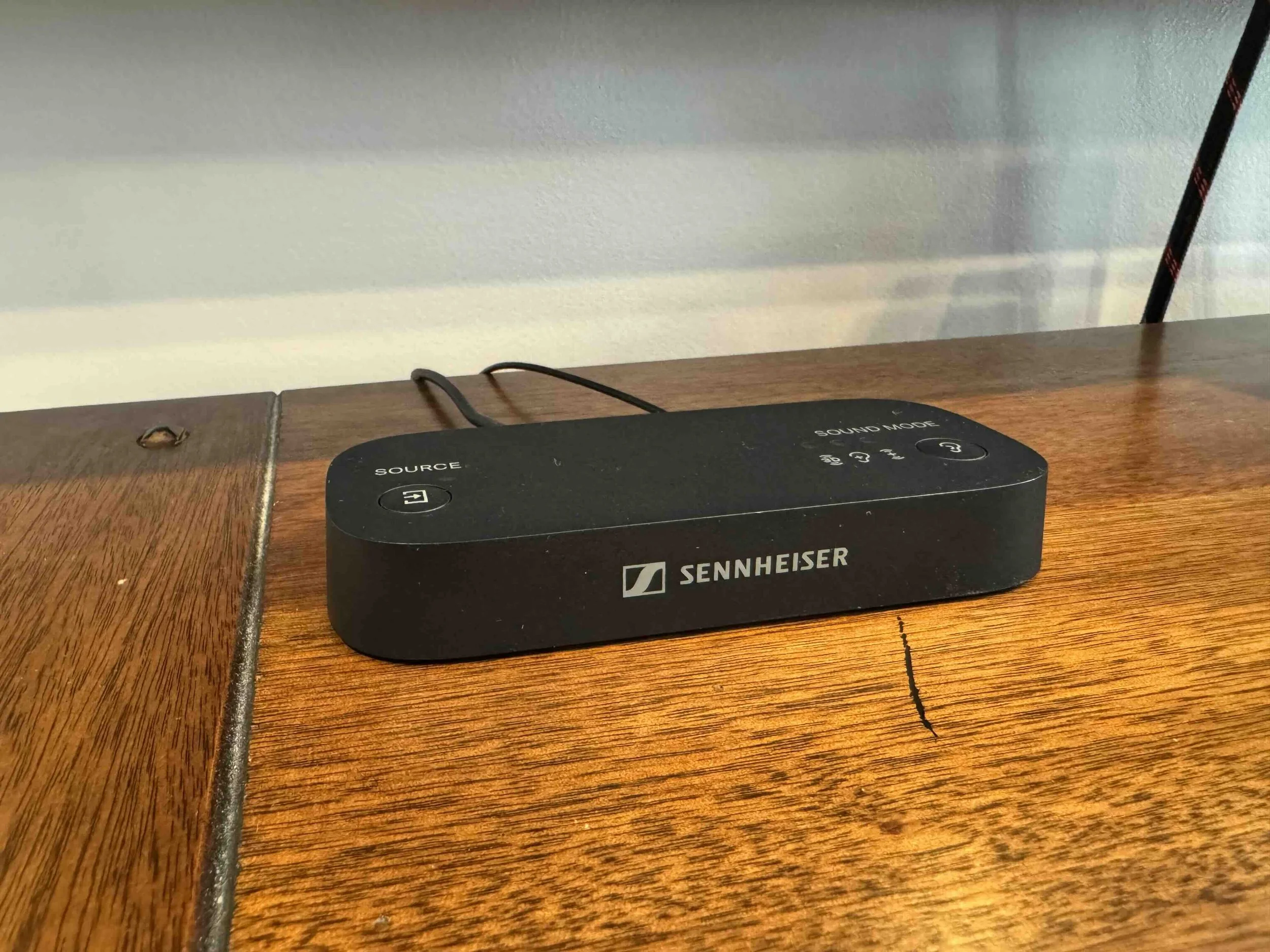
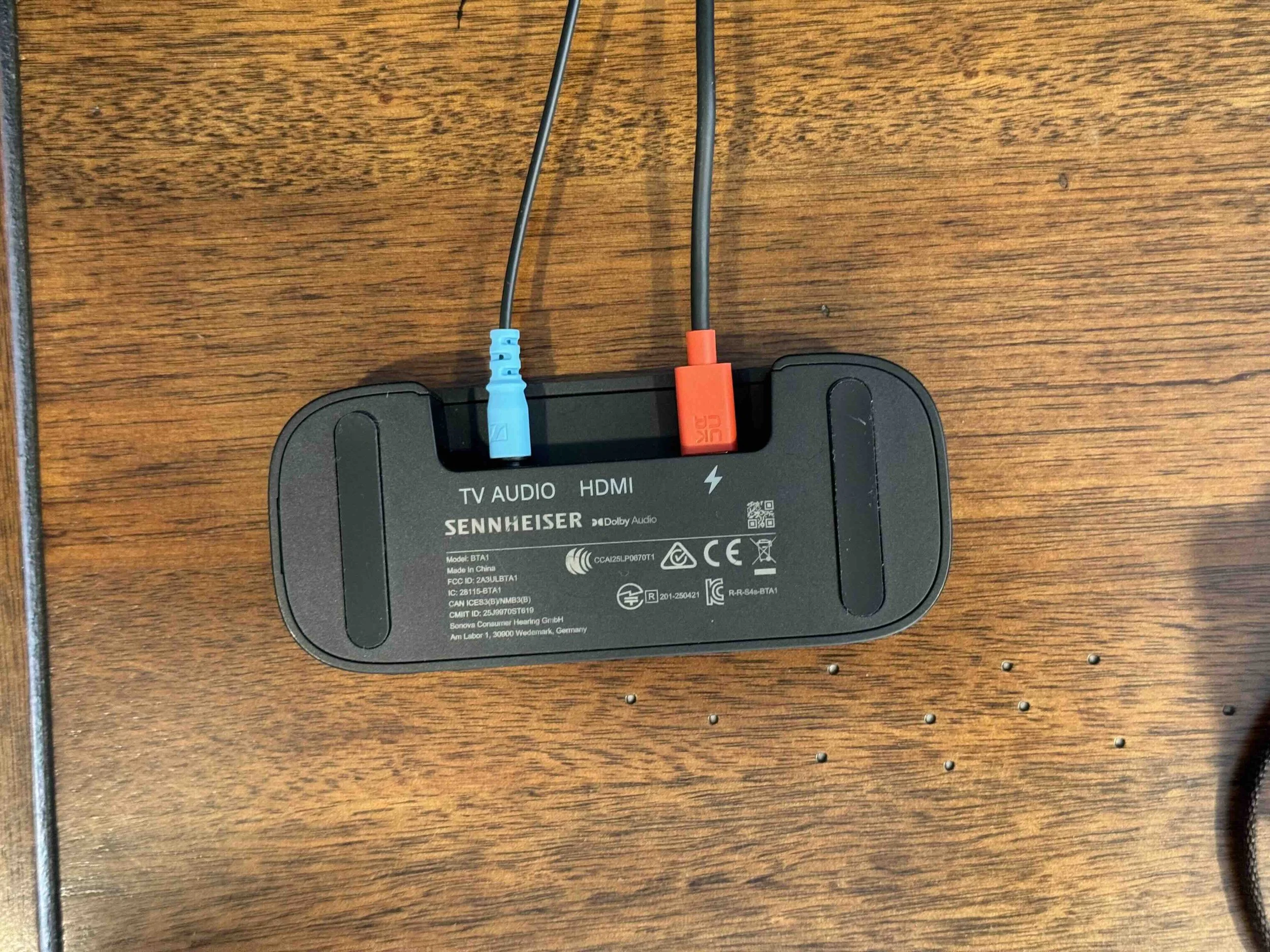
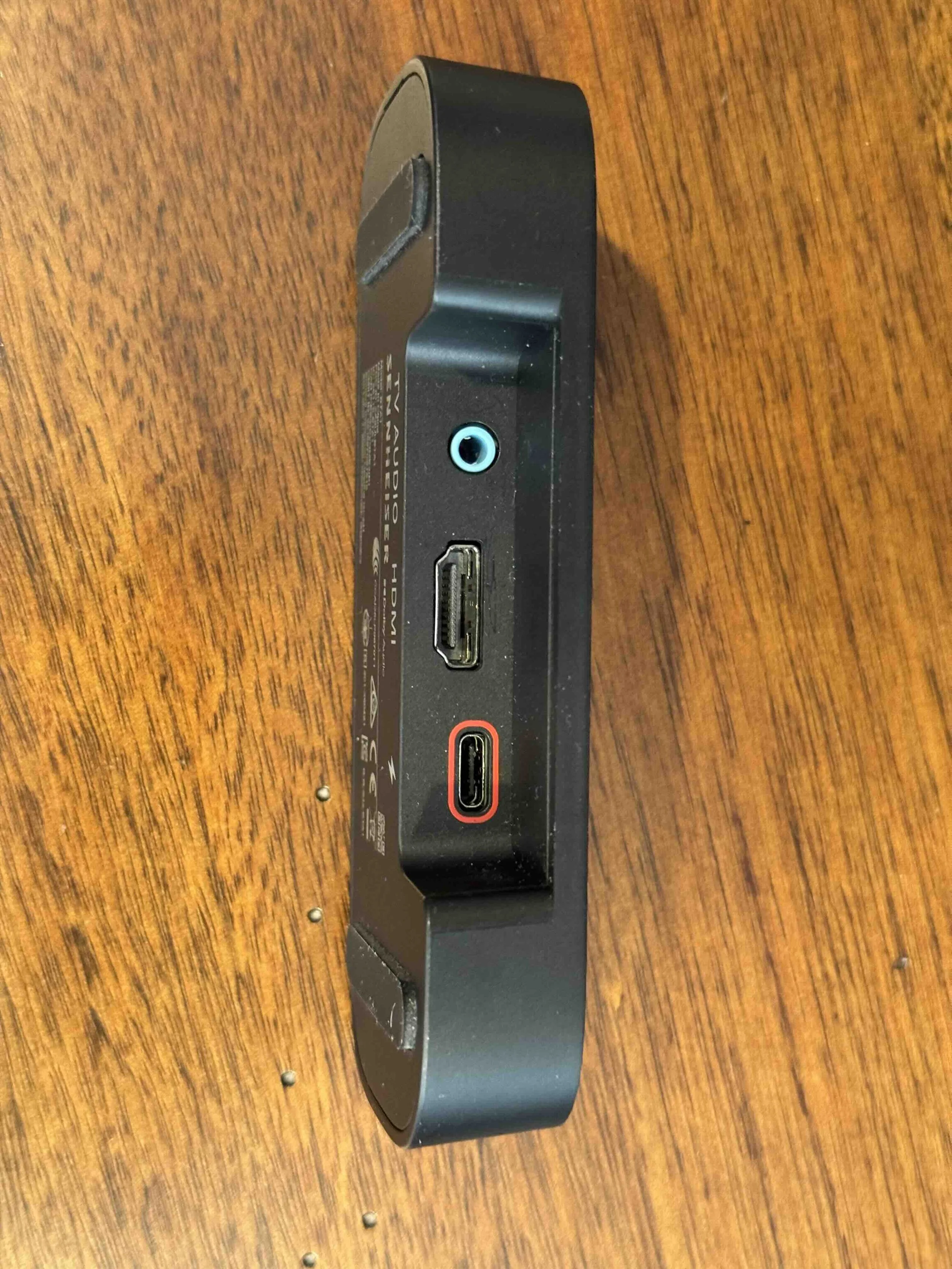
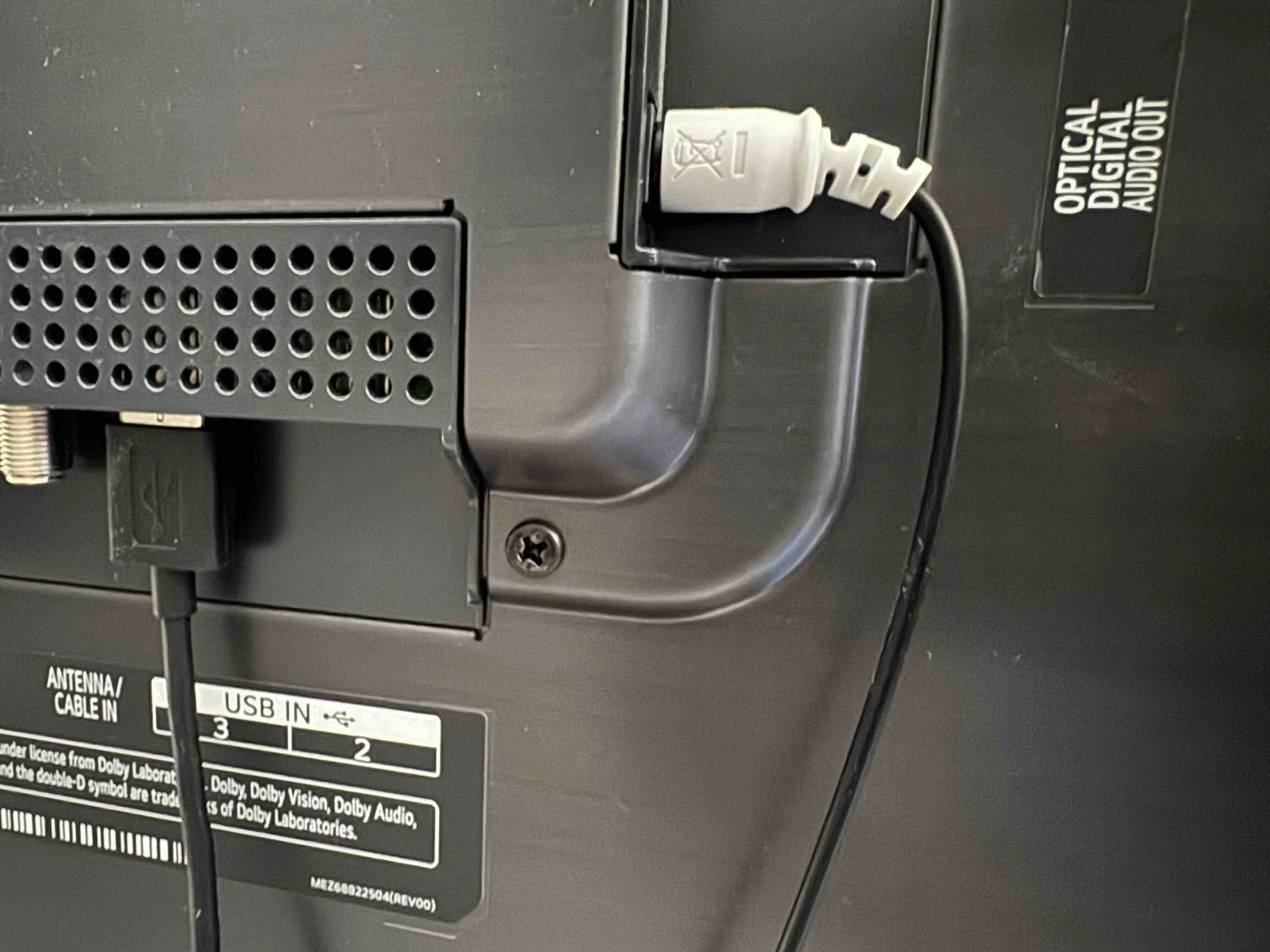
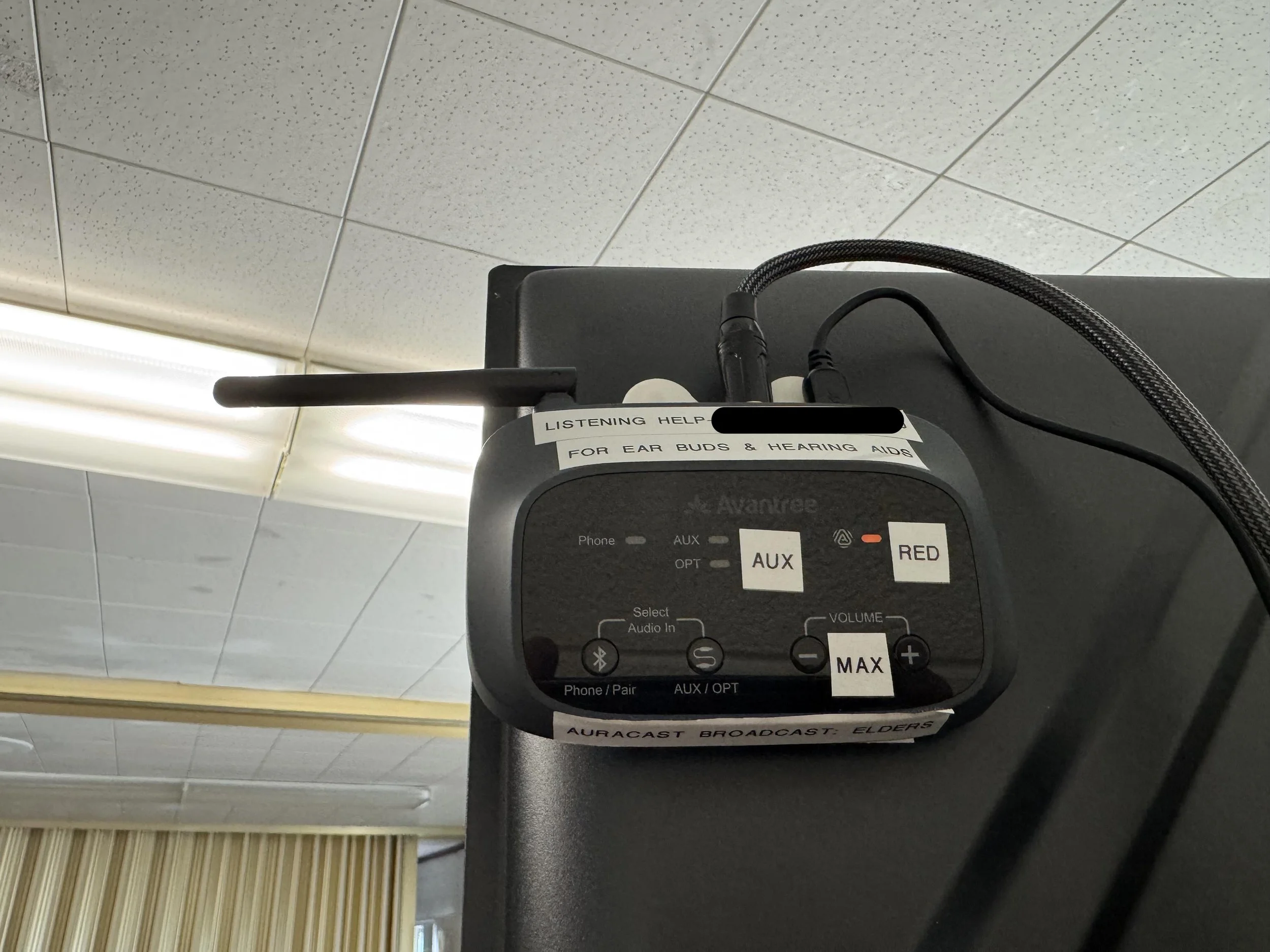

Create Your Audio Broadcast
Once the transmitter is receiving audio from the TV, it creates an Auracast broadcast.
Give the broadcast an easy-to-recognize name if your transmitter allows it, such as:
Family Room TV
Then use your compatible phone or listening device to scan for available broadcasts and select it.
Your TV audio can now play directly through compatible hearing aids, earbuds, or headphones.
Can More Than One Person Listen?
Yes!
That's one of Auracast's biggest advantages.
Unlike traditional Bluetooth audio, the TV doesn't need to pair individually with every listener. Multiple people can listen to the same broadcast using their own compatible devices.
One person could listen through hearing aids while another listens through earbuds or headphones.
Can Other People Still Hear the TV?
Usually, yes—but this depends on your TV and how the transmitter is connected.
The ideal setup allows:
TV speakers or soundbar + Auracast at the same time.
This lets everyone else listen normally while someone who needs clearer or louder audio listens through Auracast.
Some TVs make simultaneous audio easy, while others may require changing audio settings or using an adapter or audio splitter.
A Helpful Tip for Hearing Aid Users
Auracast can be especially helpful for television listening because it sends the TV audio directly to compatible hearing aids.
Instead of turning up the TV for the entire room, you can listen at a comfortable level through your hearing aids while everyone else uses the TV speakers normally.
It can also reduce the effects of distance, room acoustics, and background noise.
Before Buying a Transmitter
Check three things:
Does my TV already have Auracast or Audio Broadcast?
Which audio outputs does my TV have?
Does the transmitter support those inputs?
Then make sure your hearing aids, earbuds, headphones, or receiver actually support Auracast reception.
Once everything is compatible, adding Auracast to a TV can be surprisingly simple.
Connect the audio. Start the broadcast. Choose it on your listening device. Enjoy your TV.
Our Sennheiser BTA1 TV Adapter Review
Sennheiser BTA1 TV Adapter Product Page
Buy Sennheiser BTA1 TV Adapter on Amazon
Our Avantree Audikast TV Adapter Review
Avantree Audikast TV Adapter Product Page
Buy Avantree Audikast TV Adapteron Amazon
Our Venucast Oasis Aura Transmitter Review