ListenTech Auri RX1 Receiver Review
The Listen Technologies Auri Receiver is a solid wearable receiver that makes an Auri assistive listening system accessible to visitors who do not own compatible Auracast devices.
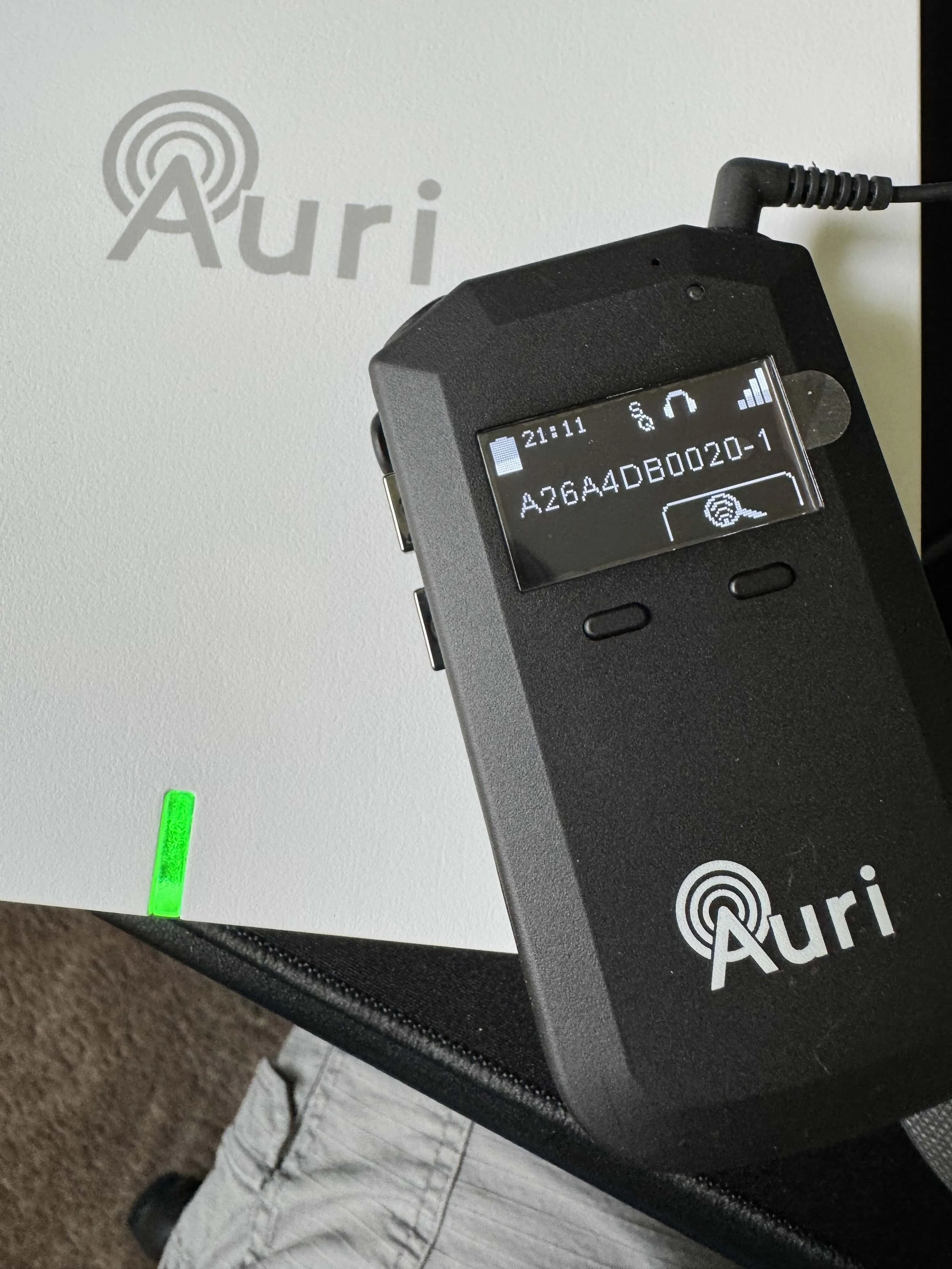
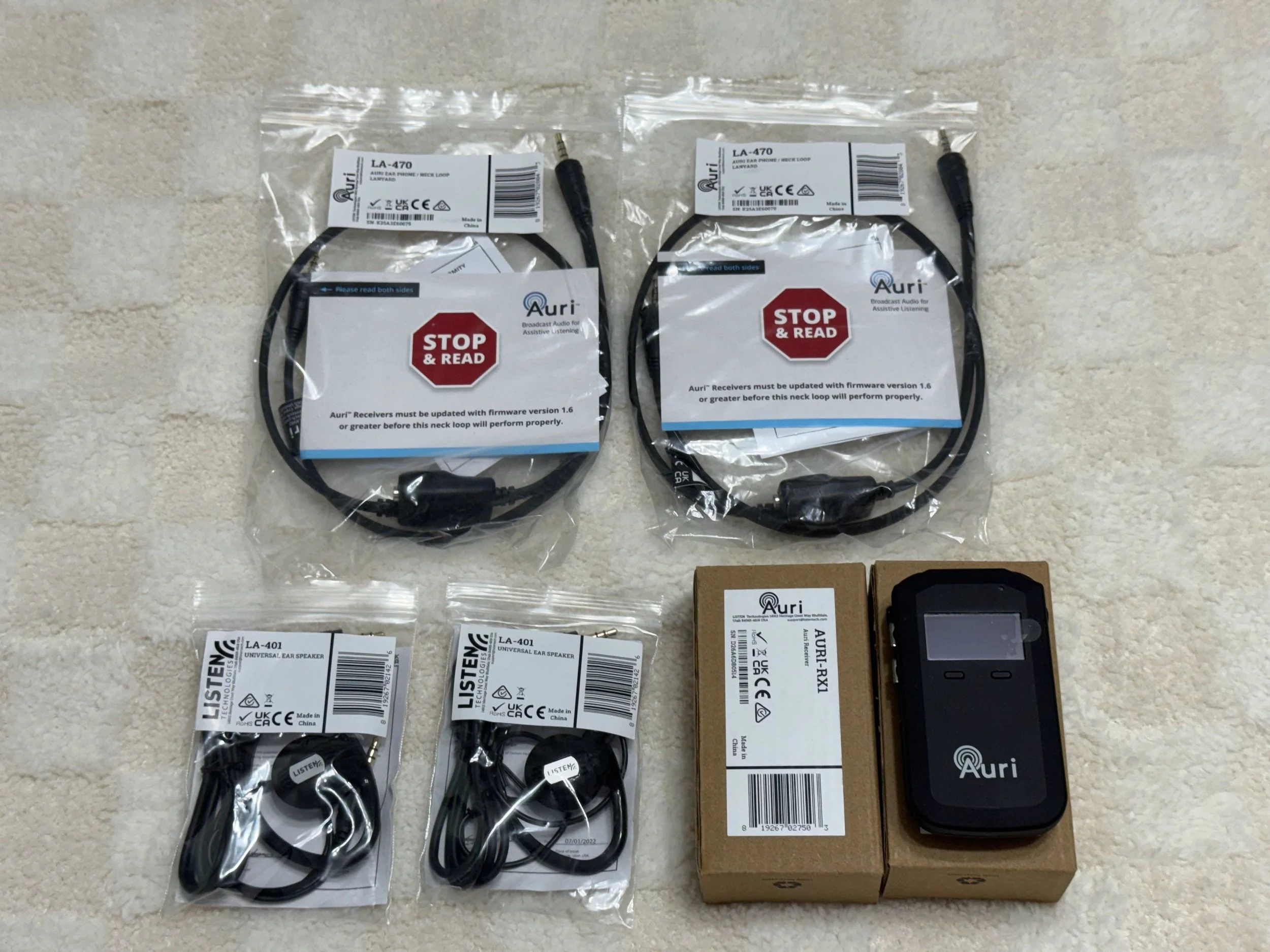
It is small, portable, and designed to clip onto clothing. Its standard 3.5 mm audio output supports wired earbuds, headphones, and neck loops.
Why Dedicated Receivers Matter
Many visitors do not yet own Auracast-compatible hearing aids, earbuds, or headphones. A public venue can keep Auri Receivers available so those visitors can still use its assistive listening system.
The receiver can be used with:
Wired earbuds
Wired headphones
Neck loops
A compatible 3.5 mm-to-USB-C audio adapter
This makes it useful in churches, theaters, auditoriums, classrooms, conference facilities, and other public spaces.
Using a Neck Loop
A neck loop can be connected to the receiver’s 3.5 mm audio output and worn around the listener’s neck.
The connection is:
Auri Receiver → Neck loop → Telecoil hearing aids
The neck loop converts the receiver’s audio into magnetic energy that compatible hearing aids can detect through their telecoils, also known as T-coils.
This gives people with older telecoil-equipped hearing aids a way to use an Auracast installation even when their hearing aids cannot receive Auracast directly.
Not every hearing aid contains a telecoil. A hearing-care professional must normally configure and enable an appropriate telecoil program before this arrangement will work.
Connecting to a Phone or Computer
With an appropriate 3.5 mm-to-USB-C plug-and-play audio adapter, the receiver’s audio can be sent into a compatible phone or computer.
The connection is:
Auracast broadcast → Auri Receiver → USB-C audio adapter → Phone or computer
This can allow the broadcast audio to be included in a Zoom meeting, recording, or livestream.
For example, Zoom may identify the adapter as USB PnP Audio Device. Selecting that device as the microphone input allows the Auracast broadcast to become part of the meeting.
Compatibility and audio-routing options can vary, so test the complete setup before an important meeting or stream.
Selecting Broadcasts
By default, the Auri Receiver is configured to see and use Auri transmitters. This keeps a receiver focused on the venue’s intended assistive listening system.
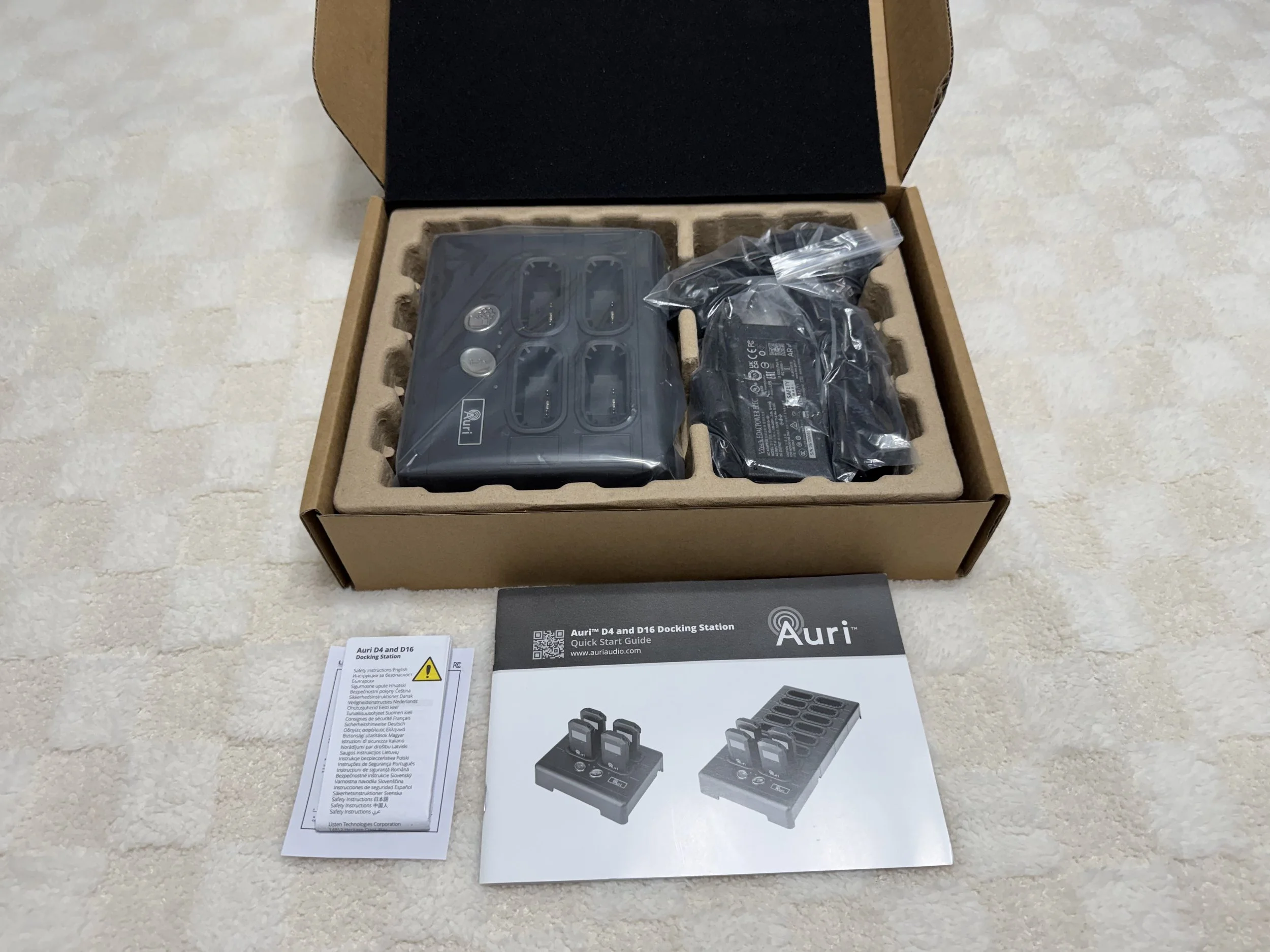
That behavior can be changed through Auri Manager using an Auri receiver base station.
The receiver’s display can show available broadcasts and allow the user to select the one they want. This is helpful for sighted users when multiple broadcasts are available.
However, selecting from a visual list would be difficult or impossible for many blind users. A venue serving blind visitors should provide assistance or configure the receiver in advance so the listener does not need to navigate the broadcast list independently.
My Take
The Auri Receiver is a useful part of a complete public Auri installation.
Its 3.5 mm output supports wired earbuds, headphones, and neck loops, while an appropriate USB-C adapter can send its audio into a phone or computer.
Most importantly, it gives venues a way to serve people who do not own Auracast-compatible personal devices, including visitors with older telecoil hearing aids.
The Auri Receiver is recommended for public Auri installations that want to provide reliable loaner receivers and support several different listening options.