ListenTech Auri TX2N Transmitter Review
Listen Technologies Auri is an excellent professional Auracast system for churches, auditoriums, conference facilities, theaters, classrooms, and other permanent public installations.
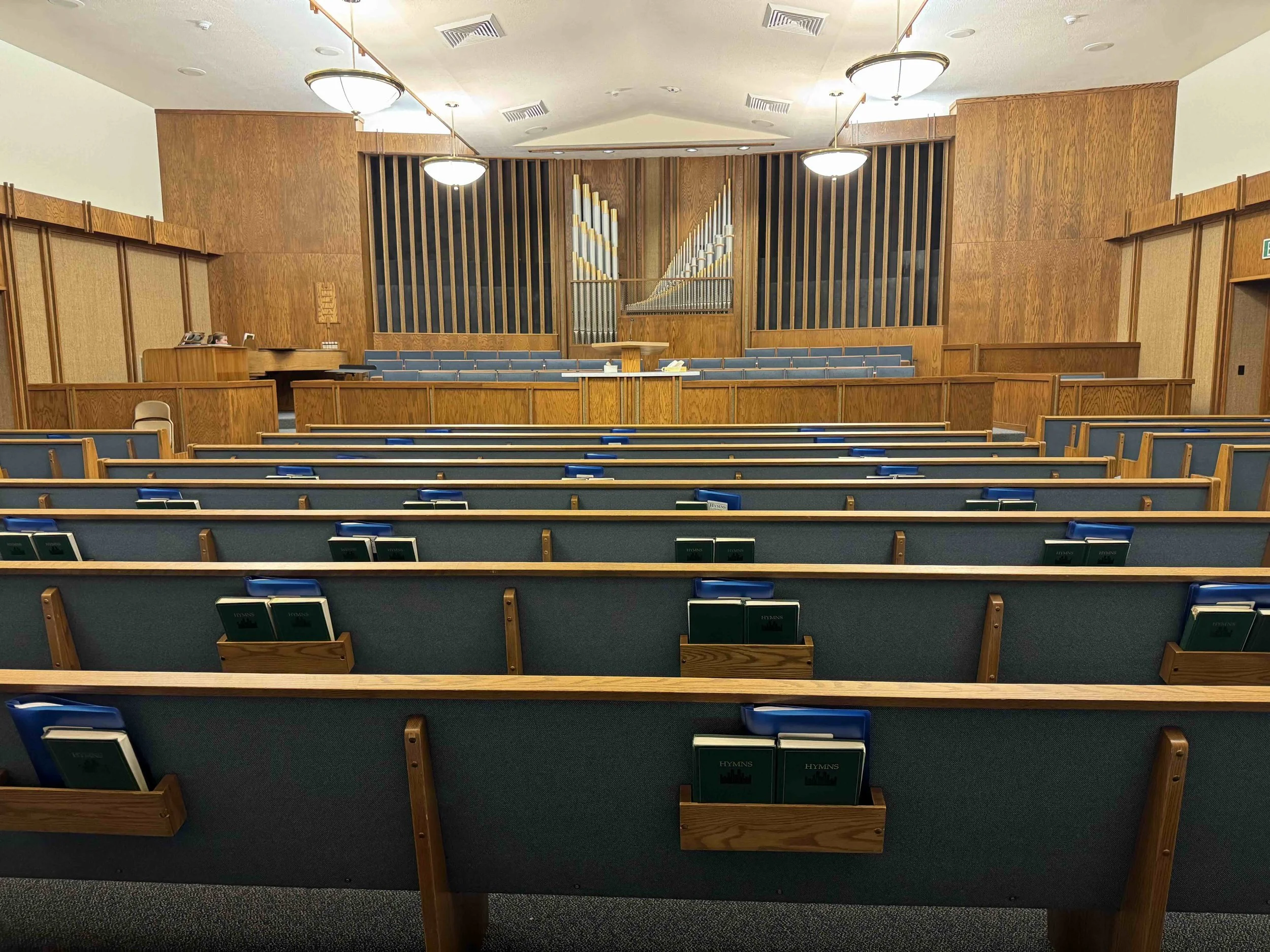
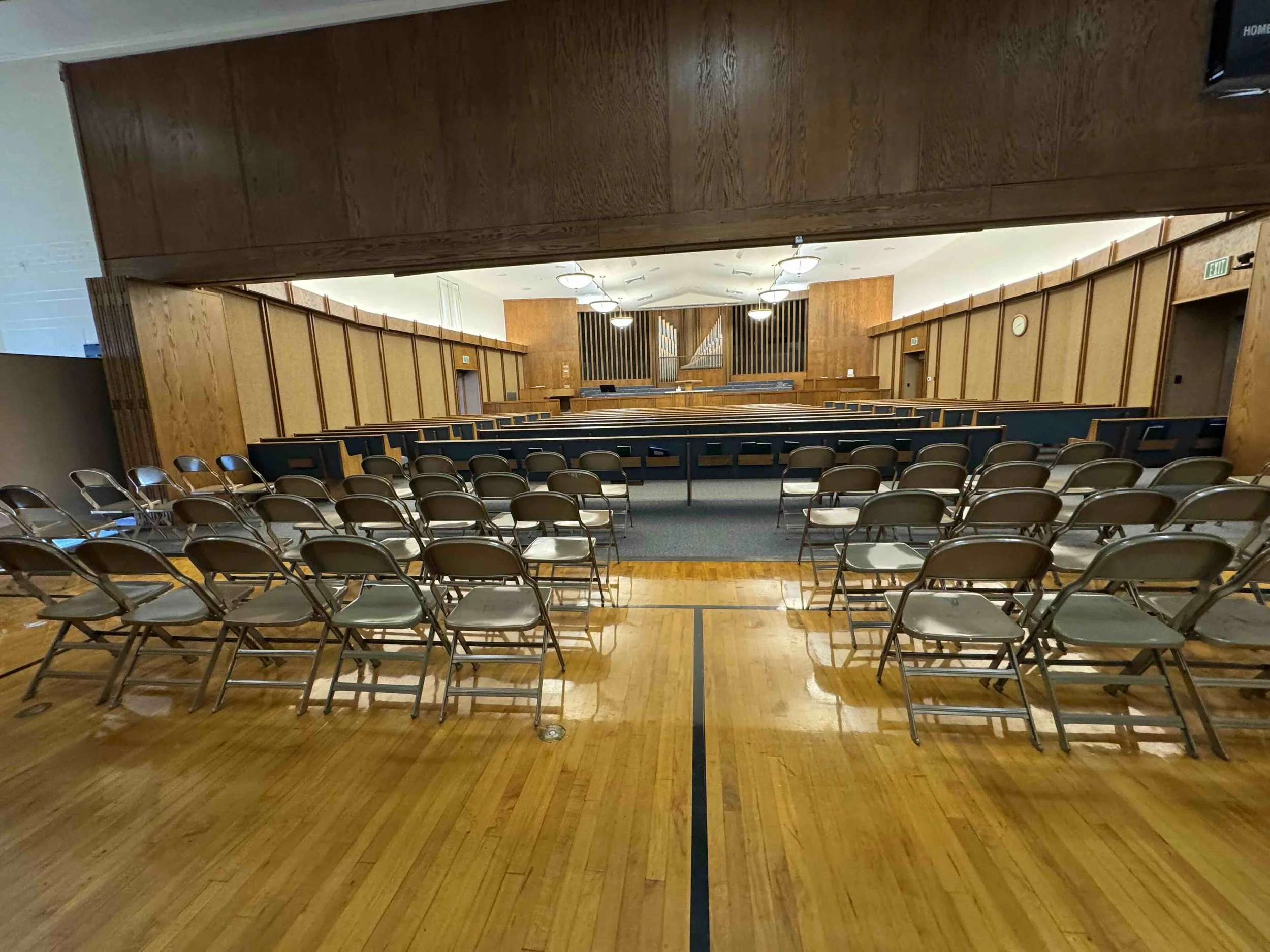
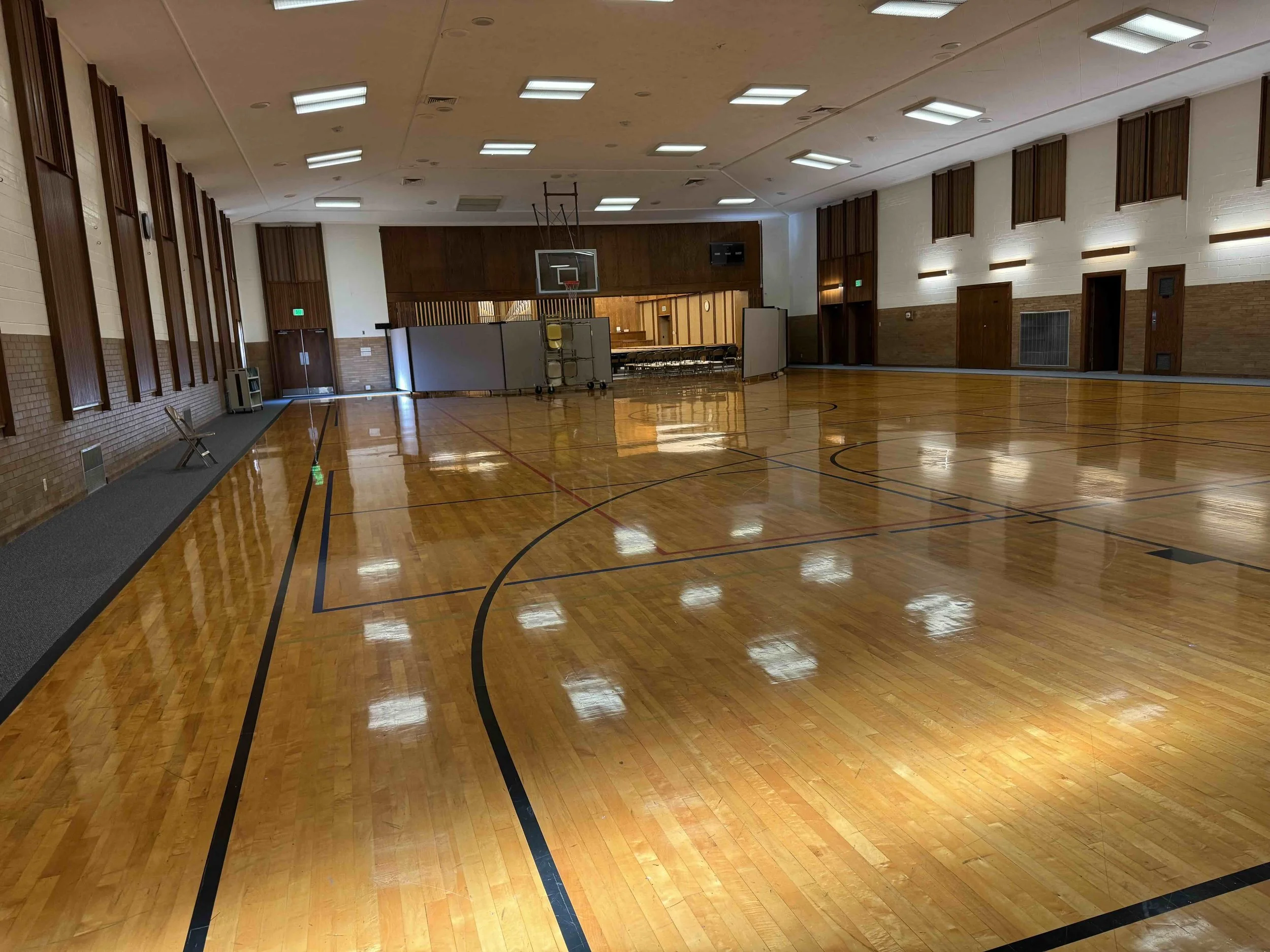
I tested Auri in two large church buildings, including open-room distance tests and locations separated by walls and other obstructions. It delivered clear, uninterrupted audio at every measured location with every receiver I tested.
The signal naturally became weaker with distance and obstructions, but I did not notice any corresponding degradation in sound quality within the measured areas. Interruptions or static-like artifacts began only when I moved beyond those locations and placed additional walls and building materials between the transmitter and receiver.
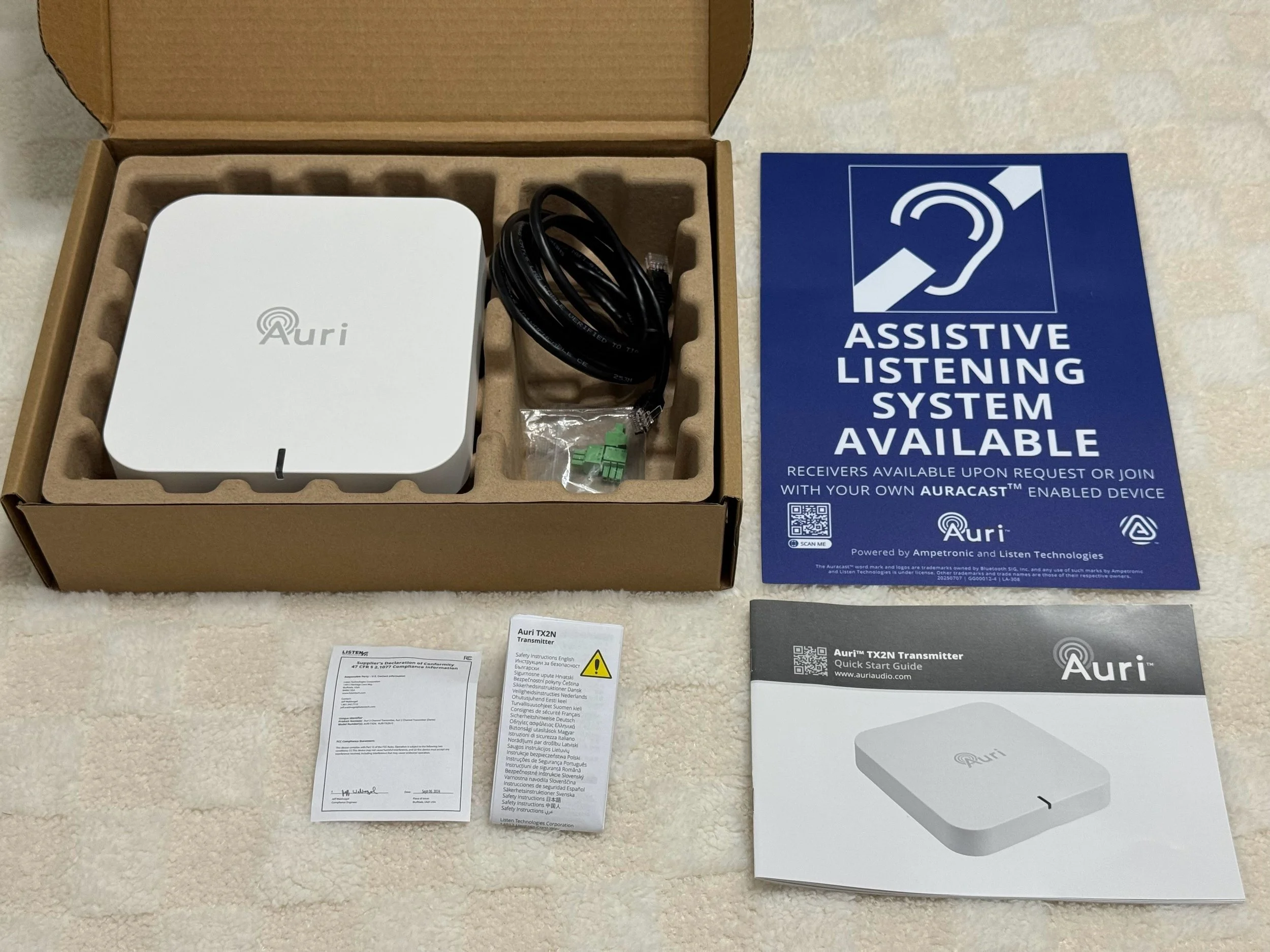
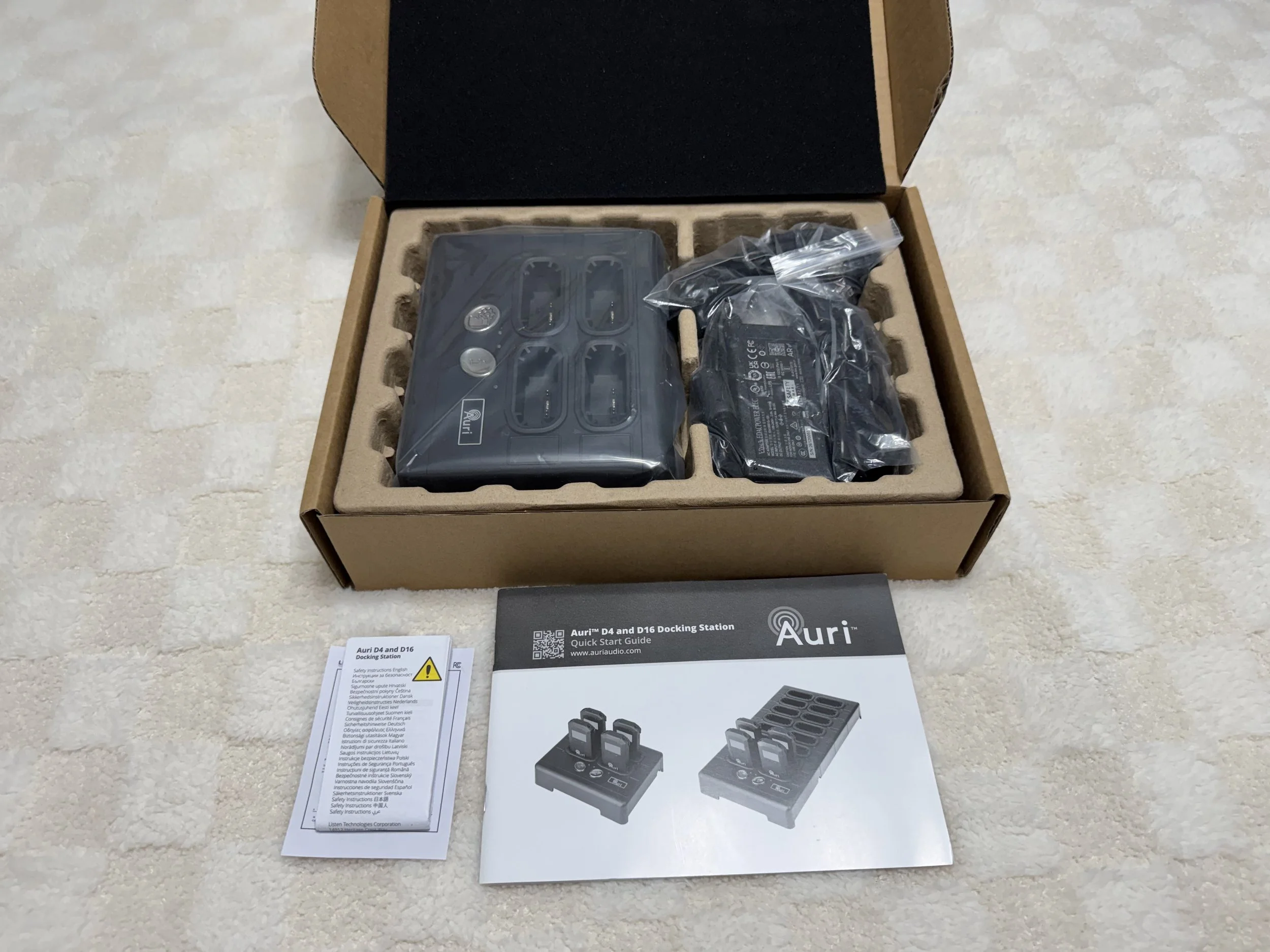
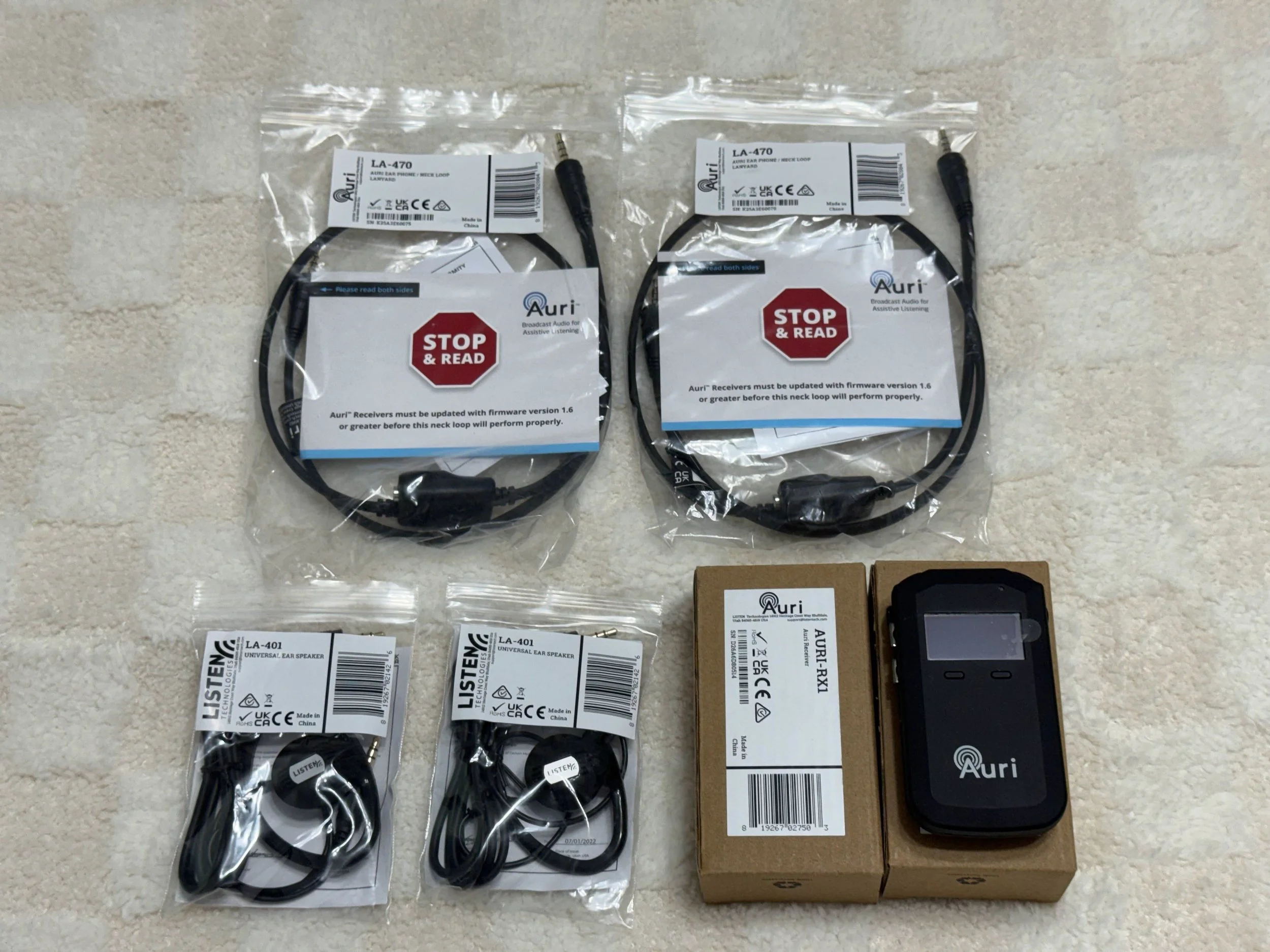
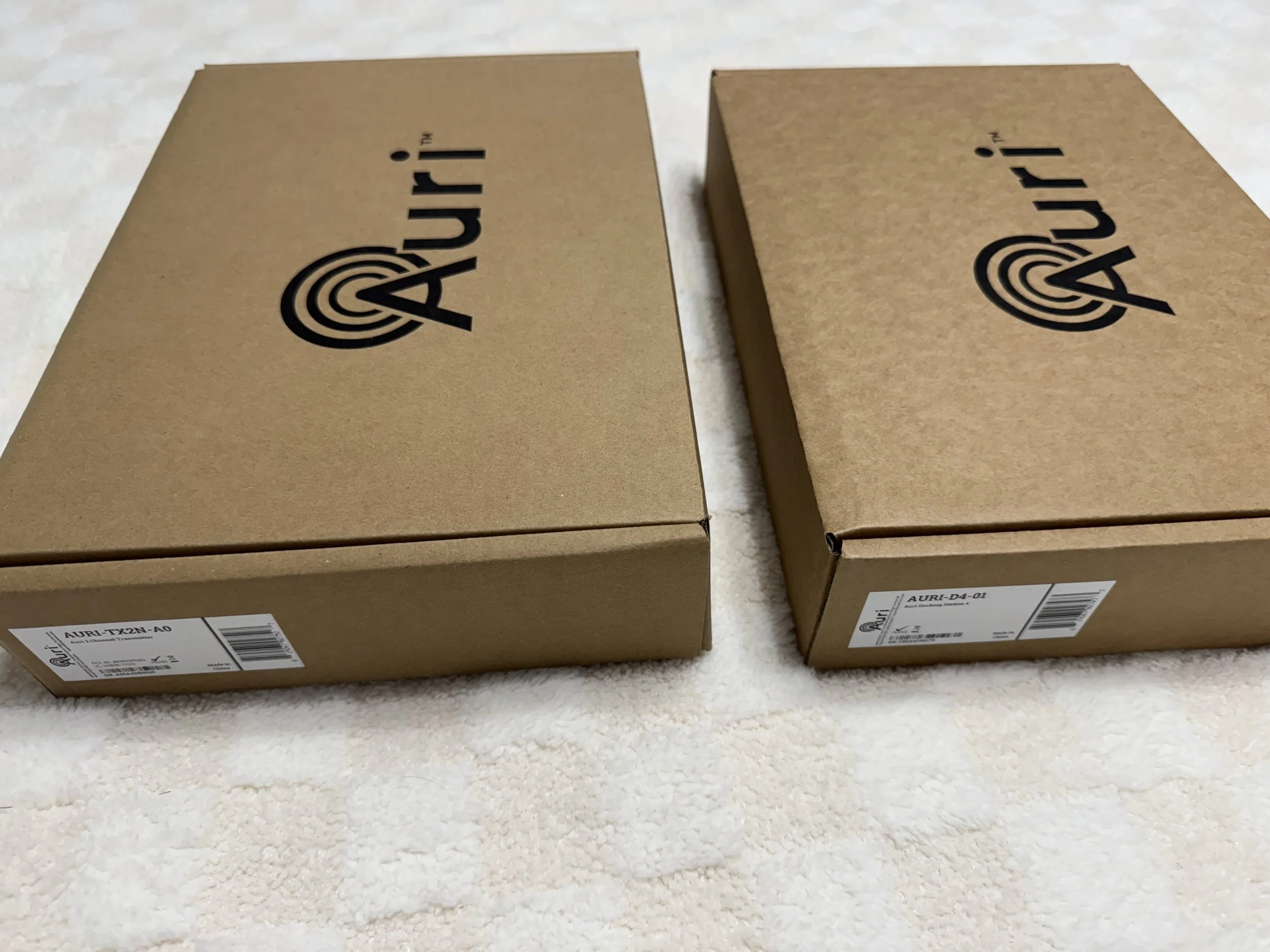
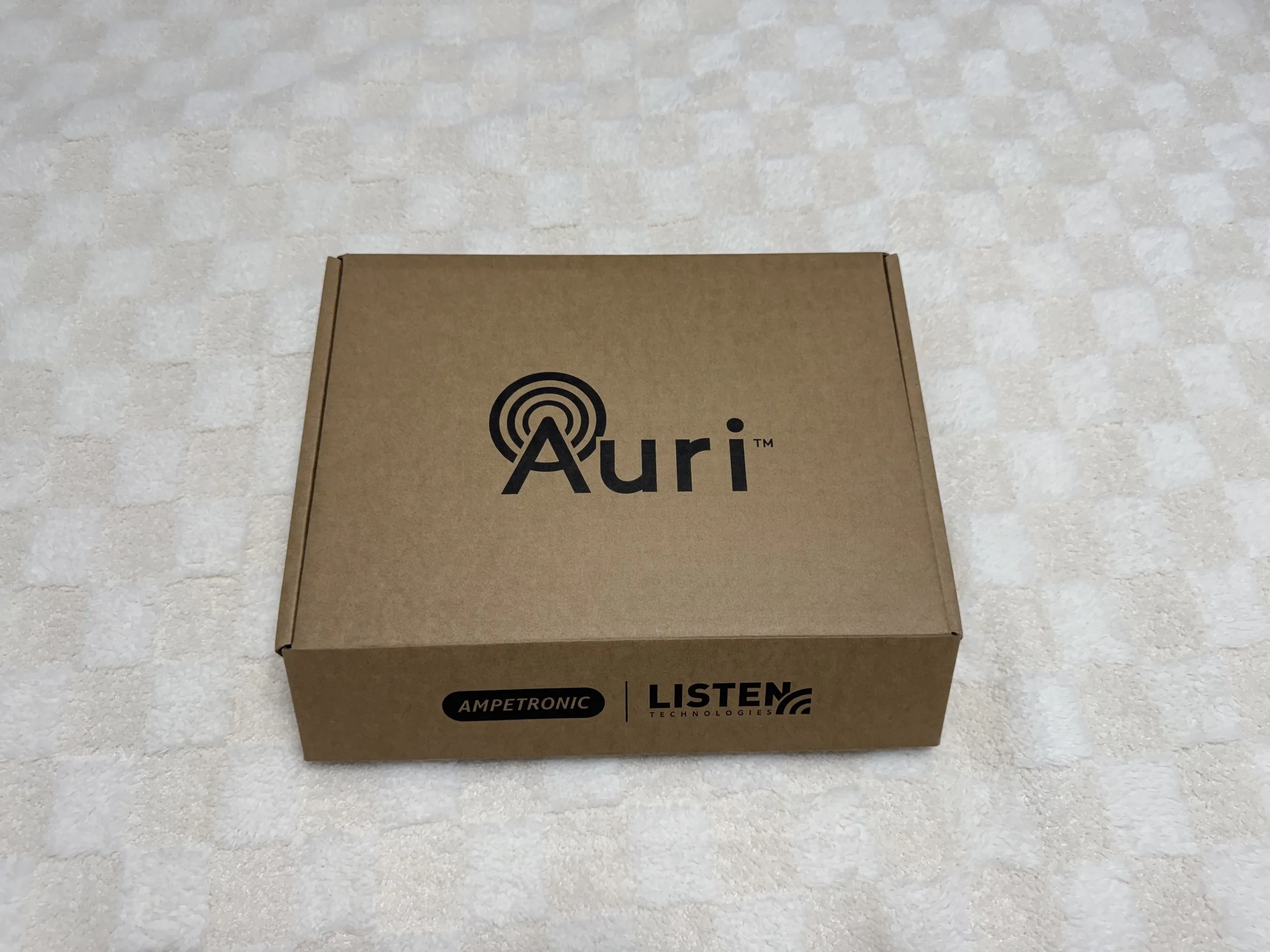
Designed for Permanent Public Installations
Auri feels like a system designed to become part of a building rather than another consumer Bluetooth accessory.
It is available in both black and white, making it easier to choose a version that looks like it belongs wherever the transmitter needs to be installed.
That distinction matters in churches, auditoriums, theaters, conference facilities, classrooms, and other public spaces. Once Auri is installed and configured, visitors can listen to the room’s audio through compatible hearing aids, earbuds, headphones, or dedicated Auracast receivers.
Auri brings together the capabilities that matter in a professional installation:
Strong real-world coverage
Support for compatible Auracast listening devices
Dedicated receivers for visitors who do not own compatible devices
Professional installation and configuration tools
Flexible transmitter placement
An audio meter and test tone that help installers verify the system
Most importantly, it allows people to receive clean microphone audio directly instead of depending entirely on sound traveling across a large or reverberant room.
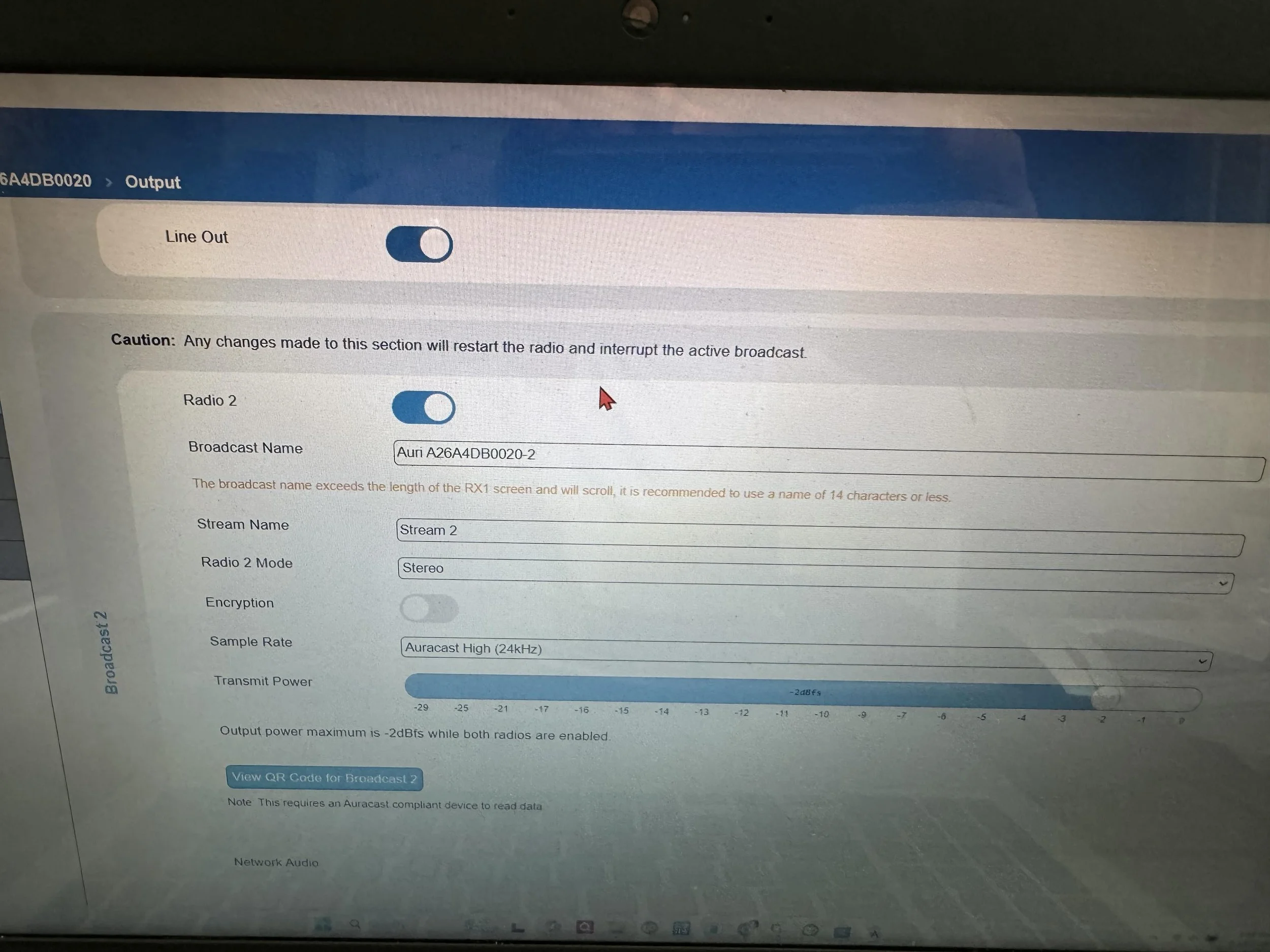
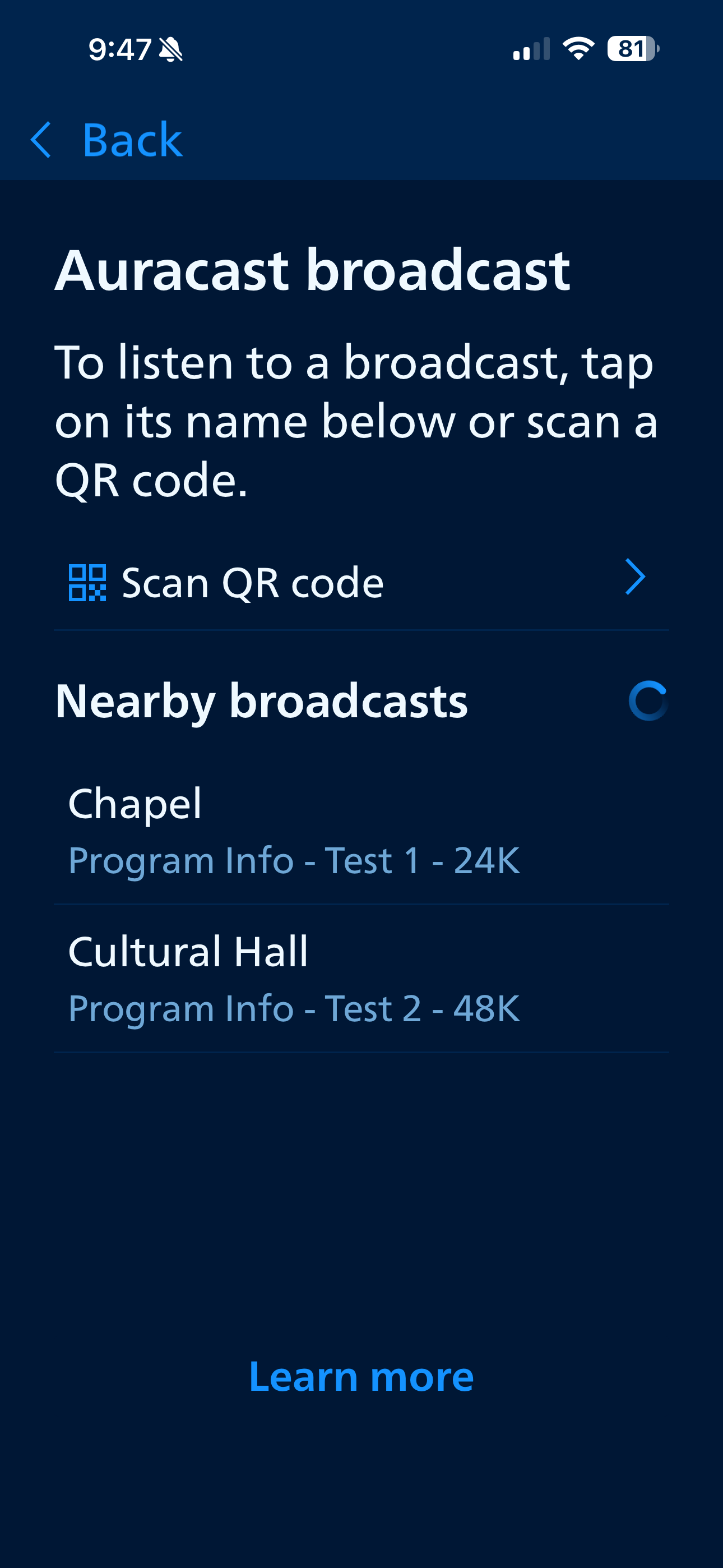
The above screen shot of the Auri Manager shows the ability to enter the Broadcast Name AND Stream Name. The second is from my Philips 9050 HearLink 2 app showing both of the Auri broadcast channel names and stream names that I entered. When playing music and playing an Audio Broadcast from the Spotify app on my Samsung phone, the current song shows up as the Stream Name. I haven’t seen the Stream Name option on other transmitters.
How I Tested Auri
I tested Auri in two large church buildings.
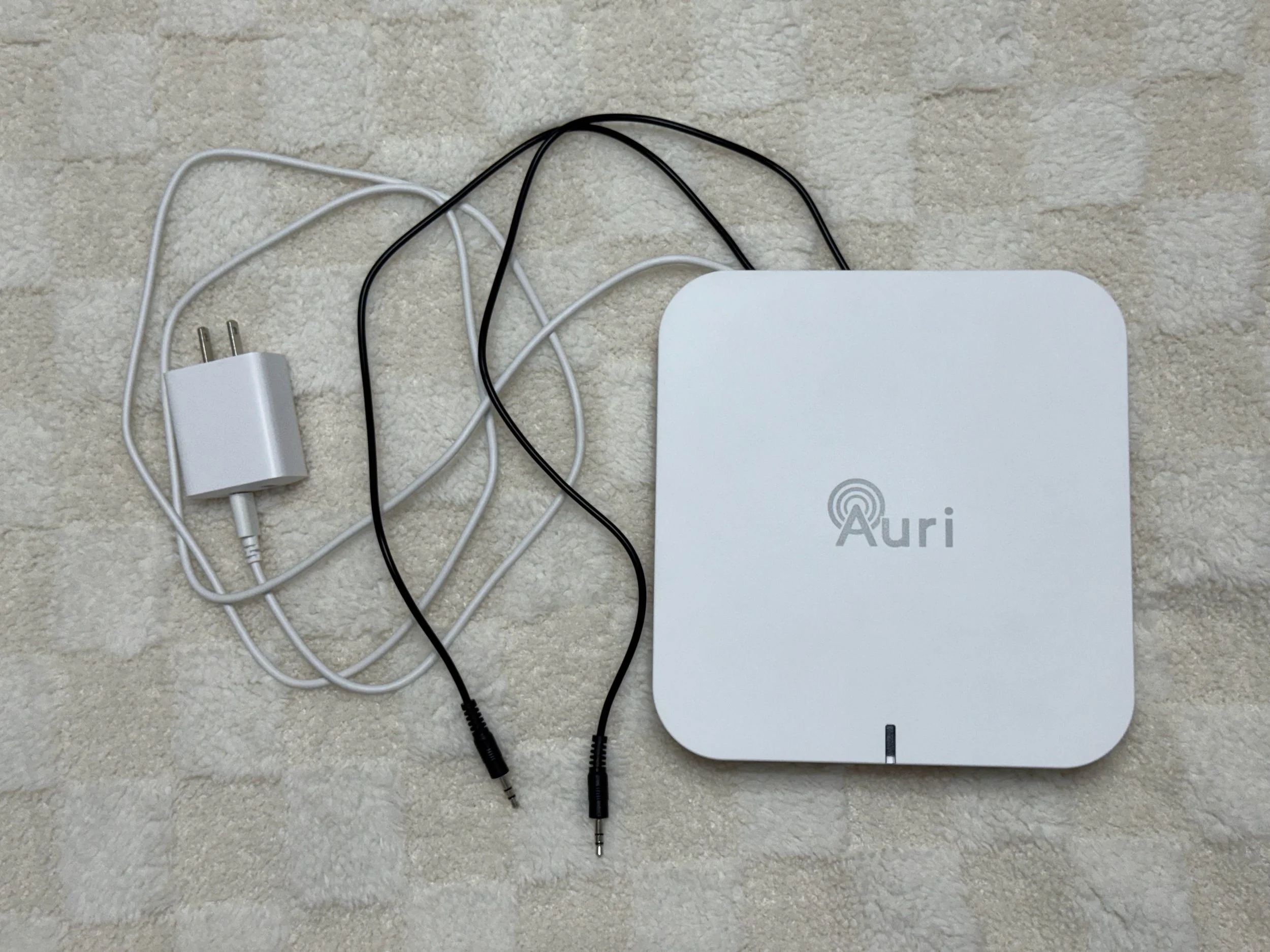
The transmitter was connected to the building sound system’s 3.5 mm auxiliary output. I used the same USB-C power cable and audio cable used during my other transmitter tests to keep the setup as consistent as practical.
For the audio source, I played audio from a phone through a USB-C-to-3.5 mm adapter into a portable Bose speaker positioned next to the pulpit microphone. The building sound system then carried that microphone audio to the Auri transmitter.
For signal measurements, I used:
A Samsung Galaxy S24 FE
An OtterBox Defender Pro case
Wi-Fi disabled on the phone
The nRF Connect app
Consistent phone position and orientation
A direct line of sight from the phone toward the transmitter when practical
I observed the Bluetooth broadcast’s Received Signal Strength Indicator, or RSSI, for approximately five seconds at each location. Because individual RSSI readings sometimes varied considerably only seconds apart, I took multiple observations and recorded the middle reading rather than relying on a single momentary value.
RSSI is expressed in dBm. These are negative numbers, and values closer to zero indicate a stronger received signal. For example, -50 dBm represents a stronger signal than -75 dBm.
RSSI is useful, but it was not my final measure of success. At each location, I also listened to the actual broadcast. When necessary, I held the receiver or turned my head so the receiving device had a favorable orientation toward the transmitter.
Devices Used for Listening Tests
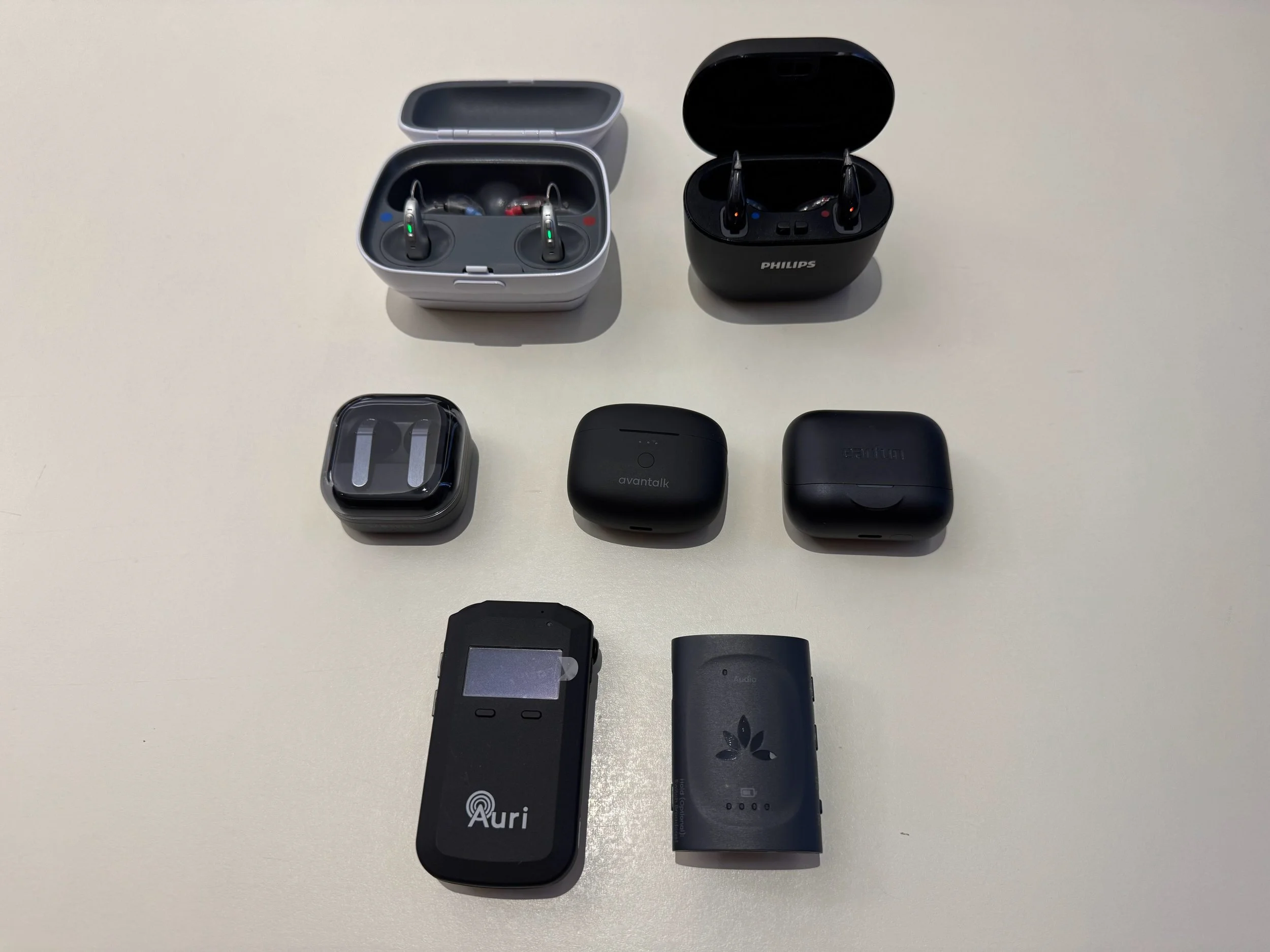
I evaluated the audio with six different types of Auracast receiving equipment:
Listen Technologies Auri receiver
Venucast AuraClip receiver
Samsung Galaxy Buds4 Pro
Infinity NC
EarFun Air Pro 4+
Philips HearLink 9050 hearing aids
I did not notice sound-quality degradation with any of these devices at any of the measured locations.
This was one of the most important findings from the testing. The measured RSSI sometimes fluctuated or became substantially weaker, but that did not automatically produce audible problems.
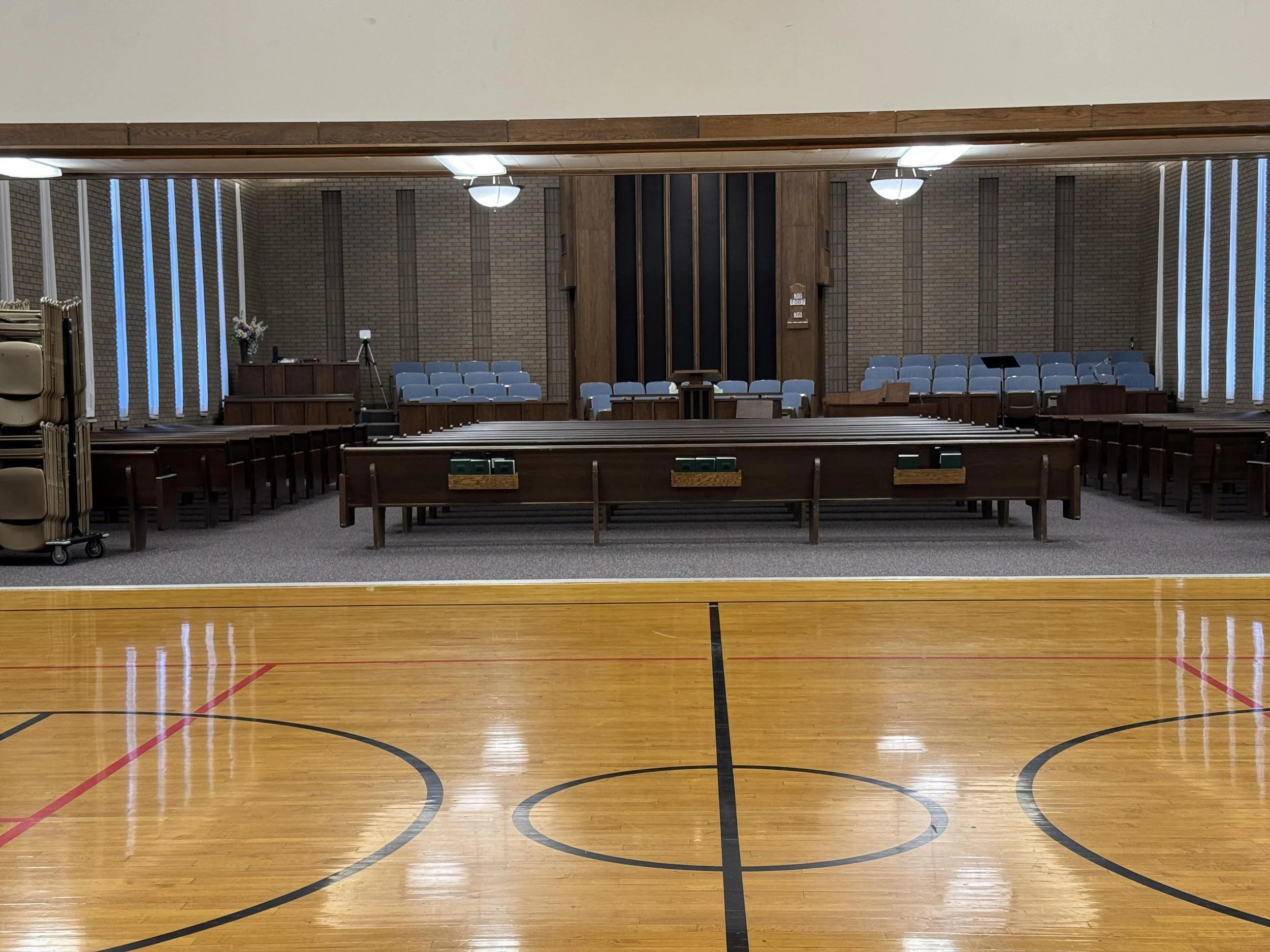
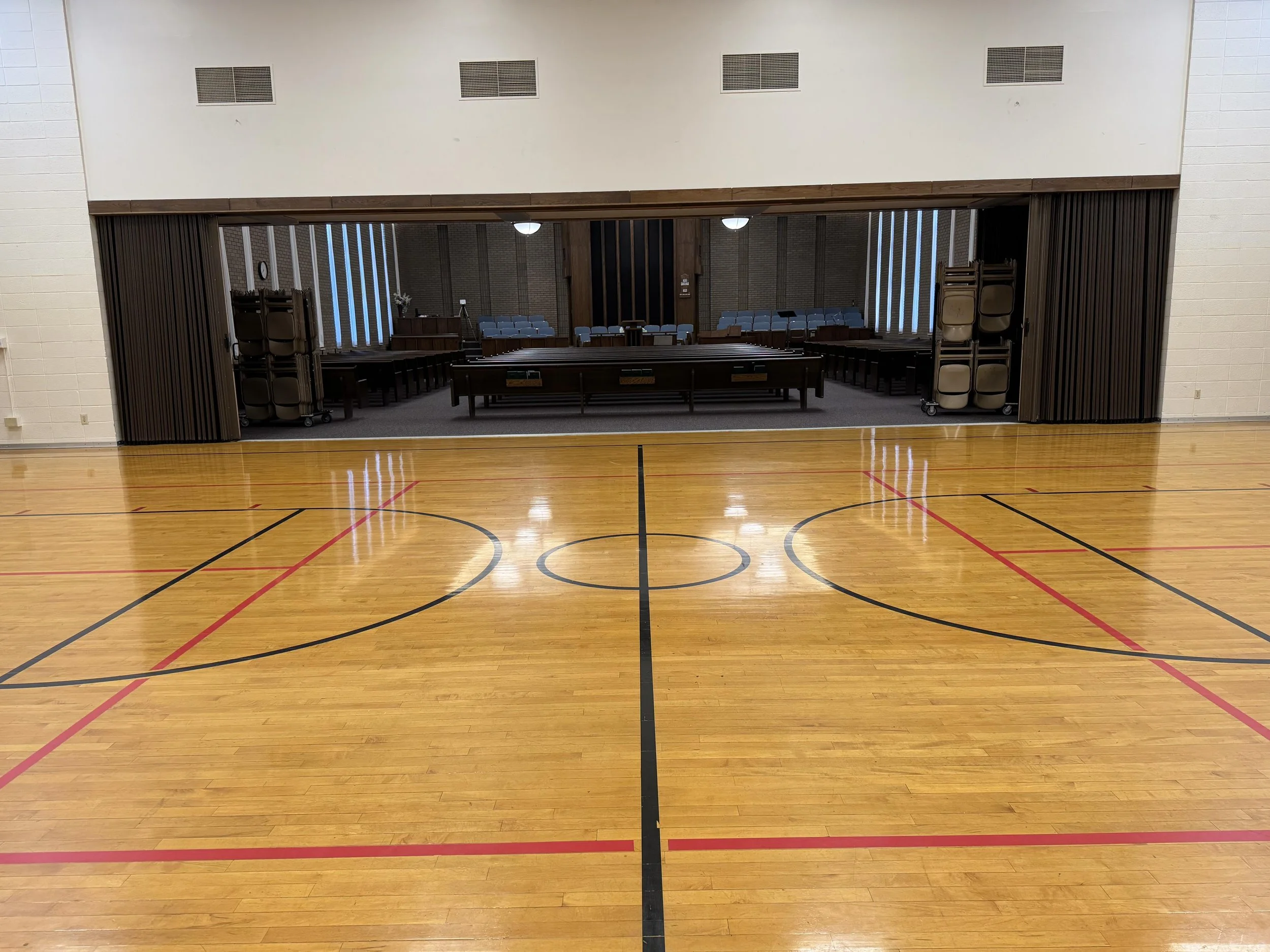
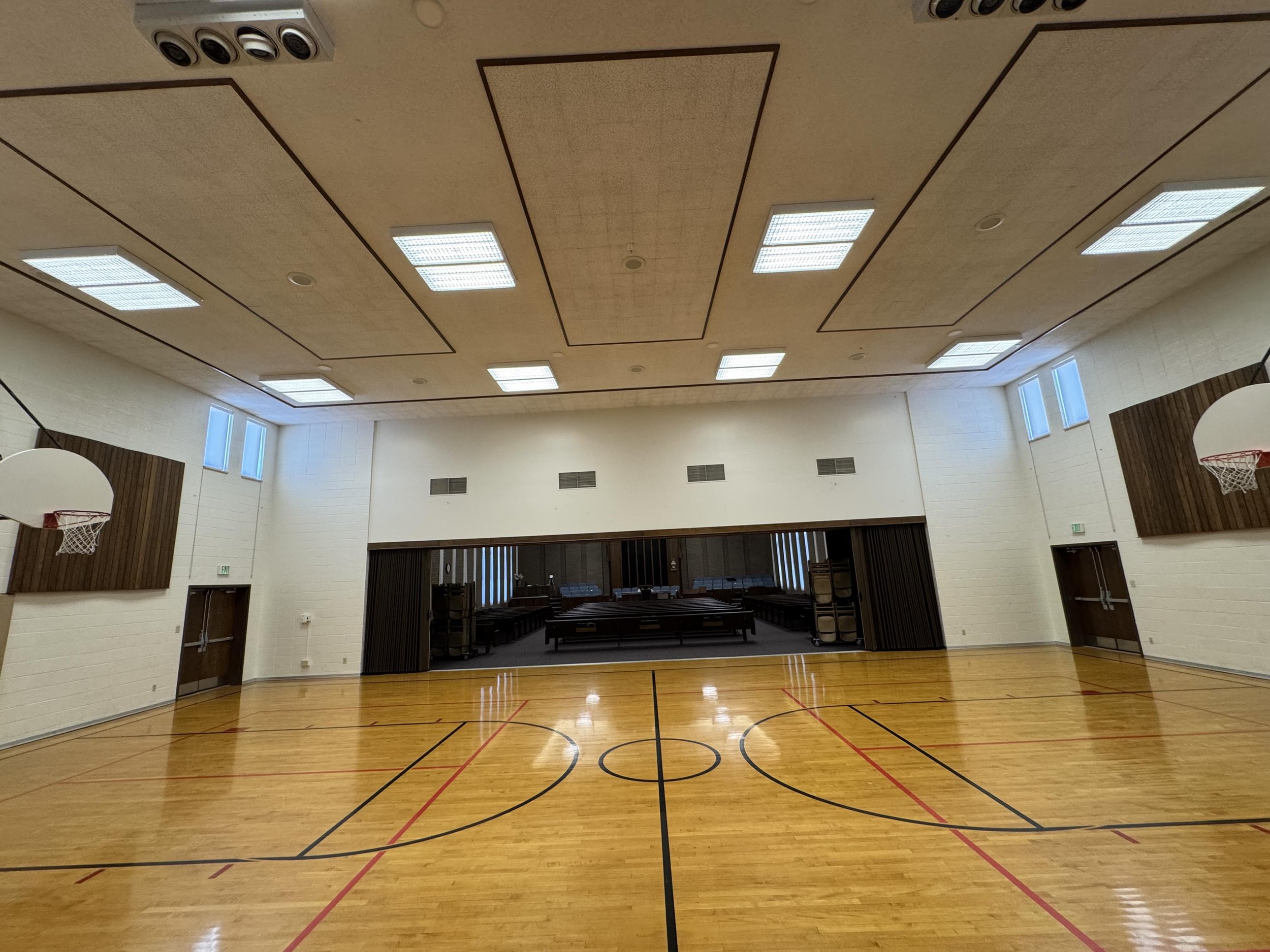
East Building Distance Test
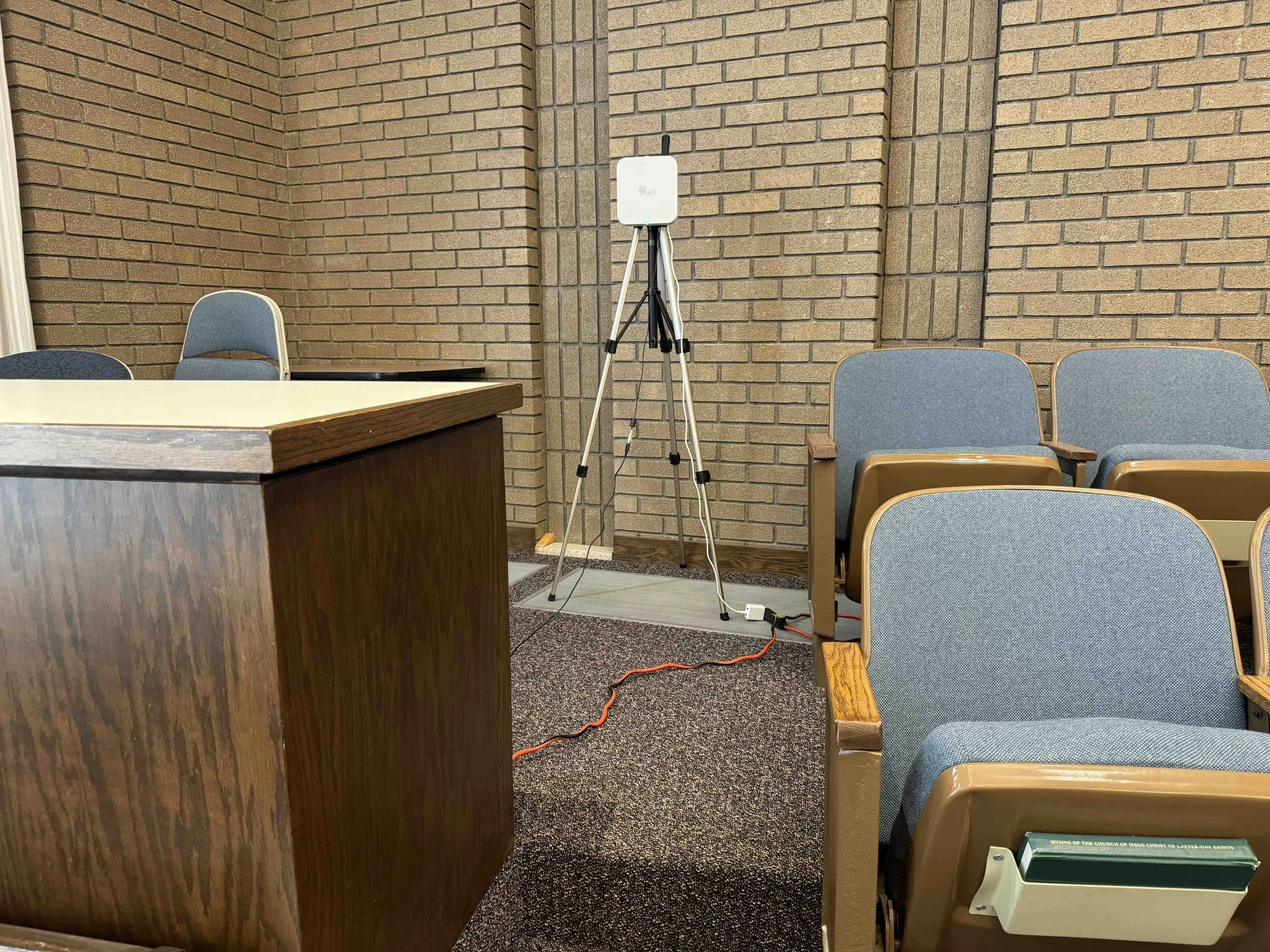
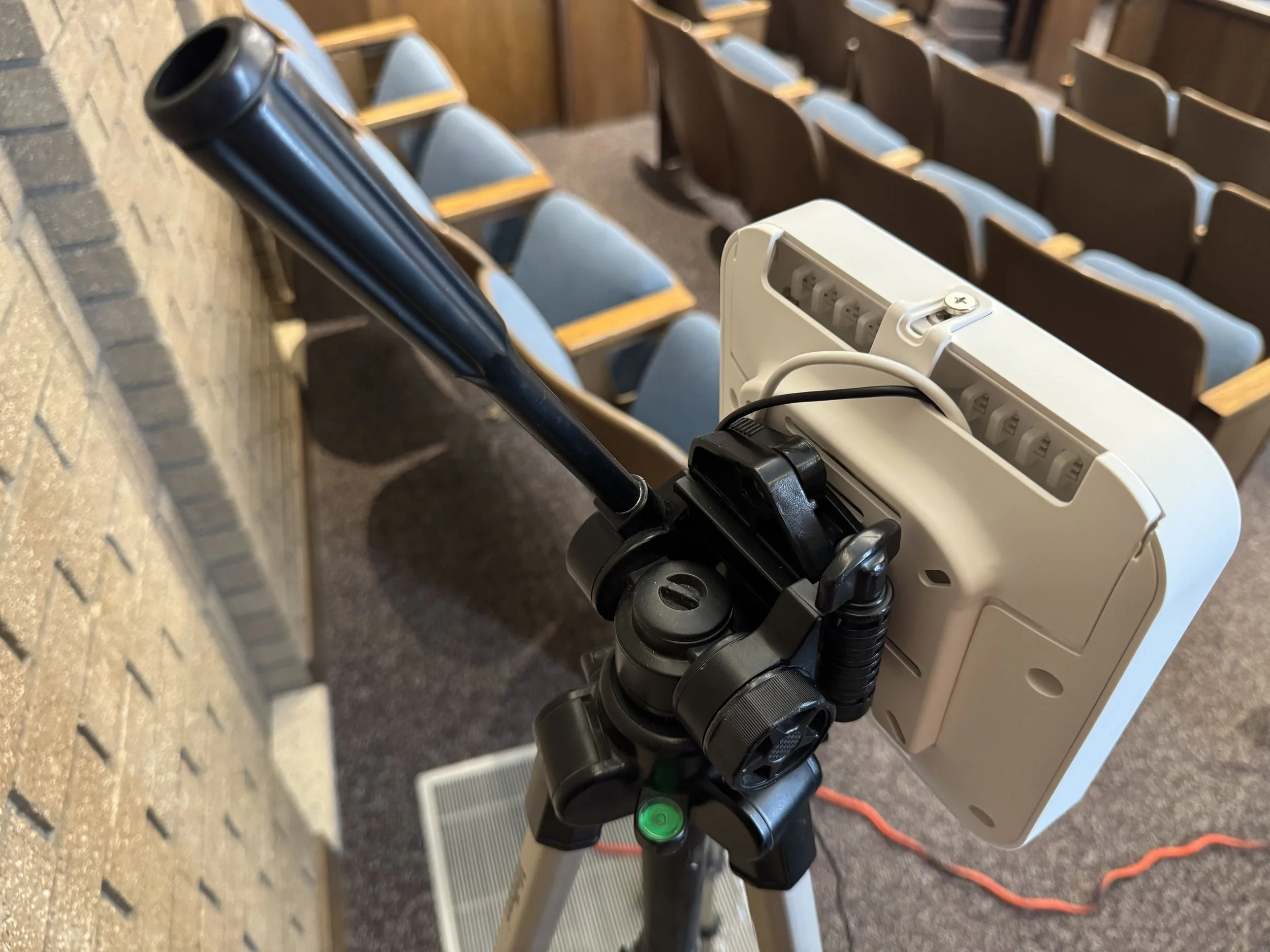
I tested Auri in the East Building with two transmitter orientations: one described in my notes as a ceiling orientation and the other as a wall orientation.
Ceiling orientation (45 degree angle)
0 feet: −12 dBm
25 feet: −42 dBm
50 feet: −46 dBm
75 feet: −54 dBm
100 feet: −57 dBm
Wall orientation (90 degree angle)
0 feet: −14 dBm
25 feet: −54 dBm
50 feet: −66 dBm
75 feet: −63 dBm
100 feet: −62 dBm
The ceiling-oriented configuration produced stronger readings at every measured distance between 25 and 100 feet:
12 dB stronger at 25 feet
20 dB stronger at 50 feet
9 dB stronger at 75 feet
5 dB stronger at 100 feet
Across those four locations, its average advantage was approximately 11.5 dB.
The ceiling-oriented results also followed a very consistent distance pattern:
-42 → -46 → -54 → -57 dBm
The statistical correlation between distance and declining RSSI for that short series was approximately r = -0.99. Because this calculation is based on only four points, I treat it as confirmation of the expected overall pattern—not as a universal prediction of Auri’s performance.
The wall-oriented readings were less orderly, which demonstrates why isolated RSSI measurements should not be over interpreted. Reflections, antenna orientation, building geometry, people, and small changes in the receiving device’s position can all affect a Bluetooth measurement.
Most importantly, both orientations provided clear audio throughout the measured area.
Stake Center Distance Test
I also tested a wall-oriented Auri installation at the Stake Center building.
Wall orientation
25 feet: −56 dBm
50 feet: −56 dBm
75 feet: −61 dBm
100 feet: −64 dBm
125 feet: −66 dBm
150 feet: −67 dBm
200 feet: −73 dBm
No zero-foot reading was recorded during this test.
Auri still produced a measurable signal of -73 dBm at 200 feet. Even more importantly, I did not notice sound-quality degradation at any of these measured distances.
The Stake Center results also show why I would not conclude that ceiling mounting is always superior. The East Building’s ceiling-oriented installation produced stronger measurements than its wall-oriented configuration, but the wall-oriented Stake Center installation performed very well at considerably longer distances.
The practical lesson is that orientation, mounting location, room geometry, and surrounding materials all matter. Auri should be tested in the actual building rather than installed according to a universal assumption about the best mounting position.
Testing Around Obstructions
Straight-line range testing does not tell the whole story. In a real public building, people may sit near corners, walls, overflow areas, or adjoining rooms.
I therefore took measurements at several obstructed locations.
East Building—ceiling orientation
Obstructed left front: −80 dBm
Obstructed left rear: −74 dBm
Obstructed right front: −80 dBm
Obstructed right rear: N/A
East Building—wall orientation
Obstructed left front: −82 dBm
Obstructed left rear: −77 dBm
Obstructed right front: −82 dBm
Obstructed right rear: N/A
Stake Center—wall orientation
Obstructed left front: −71 dBm
Obstructed left rear: N/A
Obstructed right front: −68 dBm
Obstructed right rear: −73 dBm
RSSI is measured in dBm. Values closer to zero indicate a stronger received signal. Despite the lower readings at some distant and obstructed locations, I did not notice any degradation in sound quality at any measured location.
As expected, many of these readings were weaker than measurements taken inside the open room. The exact values also varied substantially between buildings because “obstructed” does not represent one standardized RF condition. Different walls, angles, materials, pathways, and reflections can produce very different results.
Despite readings as low as -82 dBm, I did not notice any degradation in sound quality at the measured obstructed locations.
Interruptions or static-like artifacts appeared only when I continued farther outside the open room and placed additional walls and other materials between Auri and the receiving device.
That distinction is important. A weak RSSI reading does not necessarily mean the listener is experiencing poor audio. The actual listening test is what determines whether coverage is useful.
What the Orientation Testing Means
The East Building results strongly suggest that transmitter orientation or placement affected signal distribution in that particular room. The ceiling configuration produced better RSSI measurements at every shared open-room distance and was slightly stronger at the shared obstructed locations.
However, this was a real-building test rather than a controlled RF laboratory test. Changing the orientation may also have changed the relationship between the antenna, walls, ceiling, metal objects, and receiving locations.
I would therefore describe the result this way:
Auri provided strong coverage in both wall- and ceiling-style installations, but placement and orientation made a noticeable difference in one building. Test the complete listening area before making the installation permanent.
RSSI Is Only Supporting Evidence
RSSI measurements were useful for showing broad patterns:
Signal strength generally decreased with distance.
Walls and unfavorable building geometry weakened the signal.
Transmitter orientation and placement affected the measurements.
Individual readings could fluctuate substantially.
Auri still produced measurable coverage at 200 feet in the Stake Center test.
However, RSSI did not predict sound quality as directly as someone might expect.
Some measurements varied considerably within seconds. Other locations produced relatively weak readings while the audio remained completely clear. That is why I used repeated observations and recorded the middle value, and why I consider the listening tests more important than small differences between measurements.
The purpose of an assistive listening system is not to produce the best audio possible. It is to deliver clear, dependable audio to the person listening.
Auri did that throughout every location included in these tests.
Excellent Installation Tools
Listen Technologies has done a particularly good job with the tools provided for installers.
The Auri Manager software makes configuring the system straightforward. The built-in audio meter and test tone are especially helpful when connecting Auri to an existing sound system.
These tools help answer practical installation questions:
Is the transmitter receiving audio?
Is the input level high enough?
Is it too high and causing distortion?
Is the correct broadcast operating?
Can a receiver locate and play the broadcast?
Does the system cover the complete intended listening area?
Once the system is configured and tested, it can remain available in the background for people who need it.
Remember the Microphones
Auri can broadcast only the audio supplied by the building’s sound system.
If someone speaks without using a microphone, Auri cannot deliver that person’s voice directly to listeners. This is especially important during audience comments, questions, classes, and meetings with multiple speakers.
A person with hearing loss might hear the main speaker beautifully through Auri and then miss an unamplified comment from across the room.
For a truly accessible installation, all important speech needs to enter the sound system.
Use the microphone every time.
My Take
My experience with Listen Technologies Auri was extremely positive.
It delivered clear, uninterrupted audio through dedicated receivers, earbuds, headphones, and my Philips hearing aids at every measured location. This included distances as great as 200 feet and several locations affected by walls or other obstructions.
The RSSI measurements confirmed the expected effects of distance, orientation, and building materials, but the listening tests produced the result that mattered most: I did not notice sound-quality degradation anywhere within the measured test areas.
Only after moving beyond those locations and adding more walls and materials did I begin to experience interruptions or static-like artifacts.
I also appreciate Auri’s professional configuration software, audio meter, test tone, dedicated receiver option, and suitability for permanent public installations.
Listen Technologies Auri is highly recommended for churches, auditoriums, conference facilities, theaters, classrooms, and other locations seeking a professional Auracast assistive listening system.