Better listening for everyone!
Hear every word
Reduce distracting noises
Listen on your own device
Control your own volume
Our goals for you:
Try Auracast (TV first!)
Hear better
Share your discoveries
Ask for public transmitters
Connecting to Auracast is easy!
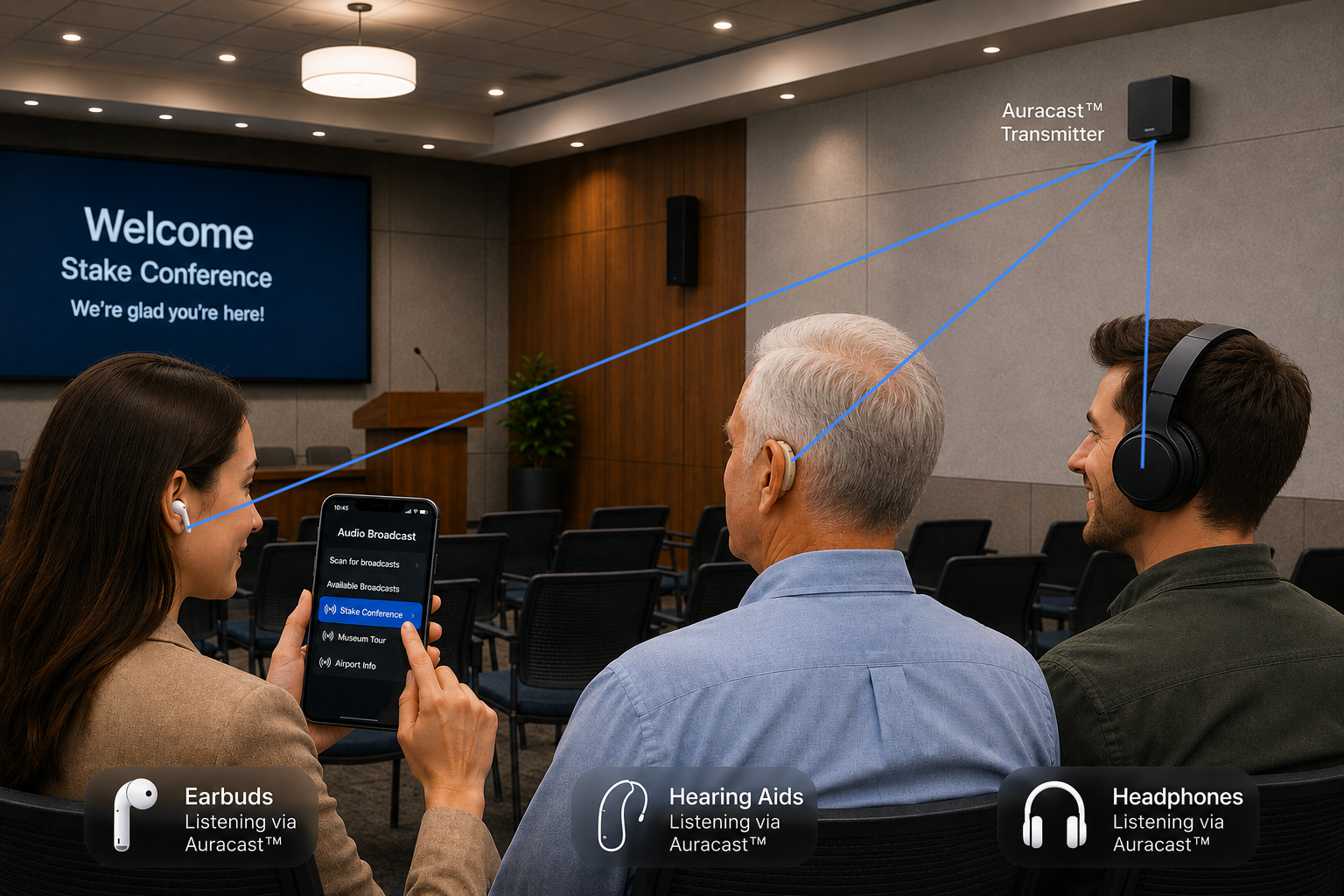
Select Auracast or Audio Broadcast from your Auracast device app or Auracast Assistant.
Adjust broadcast volume with app or on device.
Adjust background noise (Active Noise Cancellation, background slider, mute button, etc) when available on device app.
Enjoy!
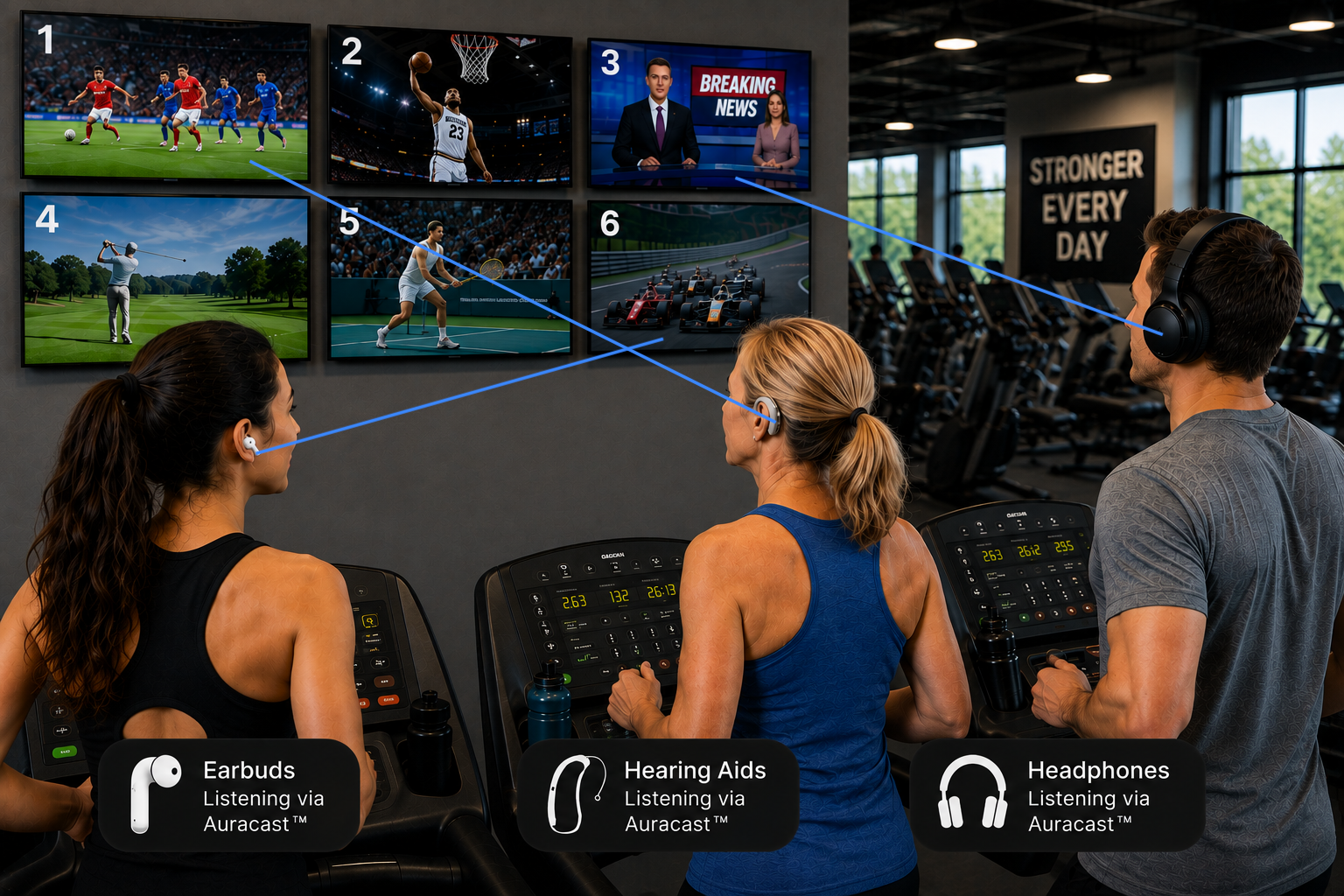
Public Venue Audio Broadcasts
Gyms
Churches
Theaters
Conferences
Airports
Stadiums
Museums
Other public places
There's no limit to how many people can connect to one nearby Auracast transmitter!
No pairing required!
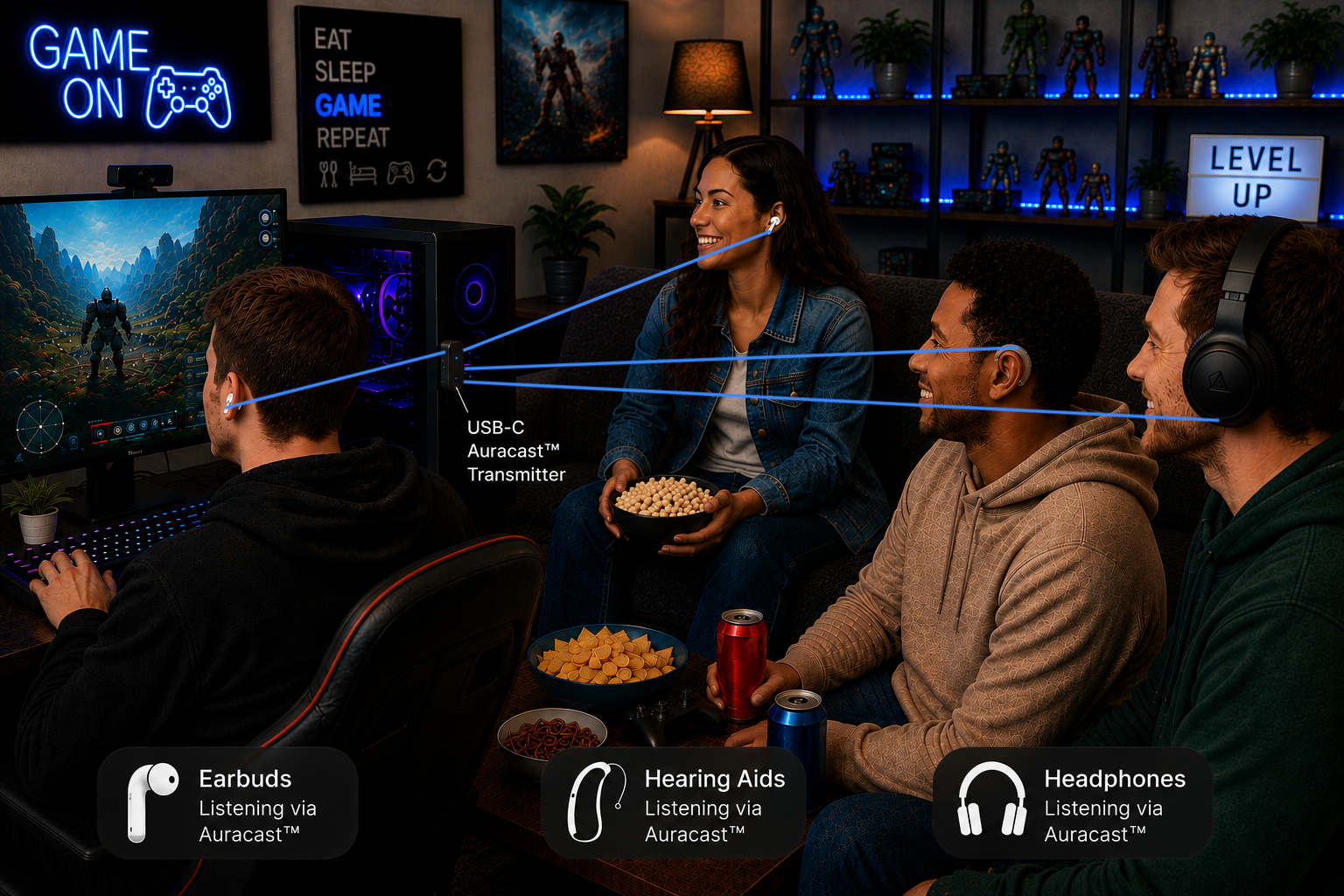
Private Audio Broadcasts
TV
Computer
Gaming Console
Airplane TV
Hi-Fi Music System
Tour Guide
You just need an Auracast transmitter to broadcast to an Auracast receiver for listening.
Audio Broadcasts can be encrypted with a passcode when needed for private listening.
Just share the passcode with those who you want.
Ask for Auracast at your favorite venue!
Dr. Cliff Olson is a YouTube rockstar for everyone with hearing difficulty.
In this video he talks about setting up an Auracast transmitter in a famous venue in Arizona. He challenges everyone to become an advocate for Auracast.
The more people ask for Auracast in churches, theaters, airports, gyms, museums, and other public places, the faster it will become available.
Auracast isn't just for people with hearing loss. Many people can use earbuds or headphones to hear dialogue more clearly in noisy environments or to listen at a comfortable volume.